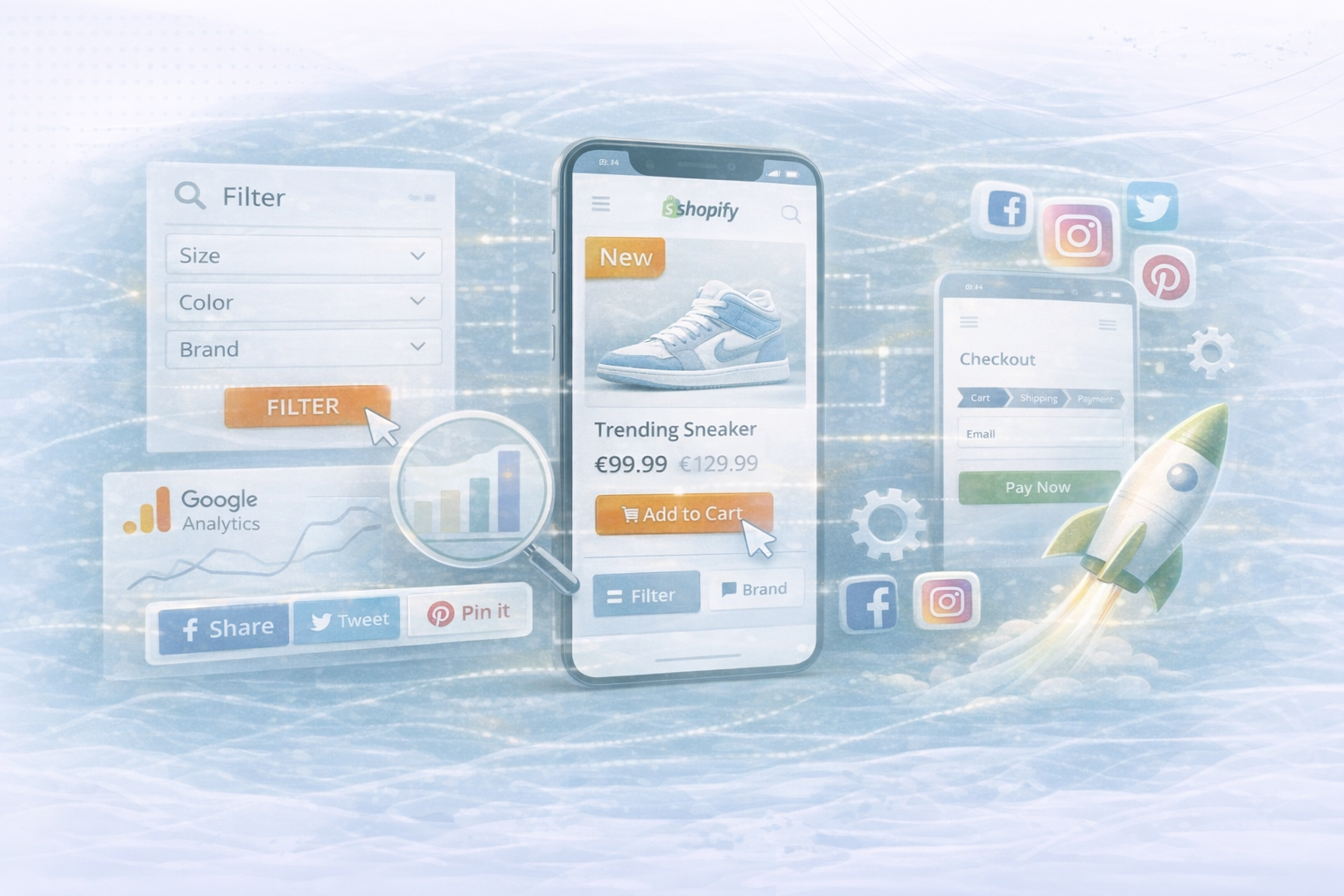
The successful launch of a Shopify startup depends not only on an appealing homepage — but on functional, interactive elements that turn visitors into customers. In this article, we'll show you how to use your Shopify theme with Liquid and JavaScript customize it and use it with advanced features such as Product filters, one optimized checkout, App integrations, mobile optimization, Analytics and Social media features equip. These measures not only improve the user experience, but also your conversion rate.
Automatically highlight new products by using a “New” badge Show for items that were added in the last seven days.
liquid:
{% comment %} Display a "New" badge for products added within the last week {% endcomment %}
{% assign one_week_ago = 'now' | date: "%s" | minus: 604800 %}
{% for product in collections.frontpage.products %}
  <div class="product-card">
    <h2>{{ product.title }}</h2>
    {% if product.created_at | date: "%s" > one_week_ago %}
      <span class="badge badge-new">New</span>
    {% endif %}
    <p>{{ product.price | money }}</p>
  </div>
{% endfor %}
Explanation:
The code calculates the date from a week ago and checks whether the product is newer. Products that were created within this time automatically receive a visible “New” label — ideal for dynamic home pages and seasonal collections.
Greet first-time visitors with a friendly message when they first visit the page.
javascript:
<script>
  document.addEventListener("DOMContentLoaded", function() {
    if (!sessionStorage.getItem('welcomeShown')) {
      alert("Welcome to our brand-new store!");
      sessionStorage.setItem('welcomeShown', true);
    }
  });
</script>
Explanation:
The script checks whether the welcome message has already been displayed in the current browsing session. If not, a unique message appears to create a personal touch.
A functional filter significantly increases usability. Customers find products faster, which leads to more purchases.
liquid:
<!-- Liquid: Generate filter list -->
<ul id="filter-list">
  {% for tag in collection.all_tags %}
    <li><a href="#" data-tag="{{ tag }}">{{ tag }}</a></li>
  {% endfor %}
</ul>

<div id="product-list">
  {% for product in collection.products %}
    <div class="product-card" data-tags="{{ product.tags | join: ' ' }}">
      <h2>{{ product.title }}</h2>
      <p>{{ product.price | money }}</p>
    </div>
  {% endfor %}
</div>
html:
<!-- JavaScript: Dynamic Filtering -->
<script>
  document.querySelectorAll('#filter-list a').forEach(function(link) {
    link.addEventListener('click', function(e) {
      e.preventDefault();
      const tag = this.getAttribute('data-tag');
      document.querySelectorAll('#product-list .product-card').forEach(function(card) {
        if(card.getAttribute('data-tags').includes(tag)) {
          card.style.display = 'block';
        } else {
          card.style.display = 'none';
        }
      });
    });
  });
</script>
Explanation:
Liquid automatically generates all available product tags. With JavaScript, products are dynamically filtered without the need to reload the page. That makes for a faster, interactive product search and a better UX.
A smooth checkout reduces purchase cancellations. Users should conclude as easily as possible.
ruby:
# This script grants a 10% discount if the cart exceeds a specified threshold
DISCOUNT_THRESHOLD = 10000  # Amount in cents
DISCOUNT_PERCENTAGE = 10

Input.cart.line_items.each do |line_item|
  if Input.cart.subtotal_price >= Money.new(cents: DISCOUNT_THRESHOLD)
    discount = line_item.line_price * (DISCOUNT_PERCENTAGE / 100.0)
    line_item.change_line_price(line_item.line_price - discount, message: "10% Discount")
  end
end

Output.cart = Input.cart
Explanation:
The script checks the shopping cart value and automatically grants a 10% discountas soon as the defined threshold is reached. Such personalized incentives increase the average order value and strengthen customer loyalty.
Explanation:
These apps are easily integrated via the Shopify dashboard and usually require minimal setup. They improve marketing automation, trust, and repurchases.
Since over 70% of e-commerce traffic is via smartphones, a mobile-optimized design is essential.
css:
/* Standard layout for desktop */
.product-card {
  width: 30%;
  margin: 1%;
  float: left;
}

/* Adjustments for mobile devices */
@media (max-width: 768px) {
  .product-card {
    width: 100%;
    margin: 0 0 20px 0;
    float: none;
  }
}
Explanation:
With CSS media queries The layout automatically adapts to the screen size. In this way, the shopping experience remains consistent and user-friendly — regardless of the device.
In addition to Shopify Analytics, external tools help to evaluate user data even more precisely.
html:
<script>
  // Track a click on a "Buy" button
  document.querySelectorAll('.buy-button').forEach(function(button) {
    button.addEventListener('click', function() {
      gtag('event', 'click', {
        'event_category': 'E-Commerce',
        'event_label': 'Buy Button'
      });
    });
  });
</script>
Explanation:
With custom event tracking (such as Google Analytics or GA4), you can track clicks on key elements such as purchase buttons. In this way, you can see which elements perform best and where there is potential for optimization.
Social media is an important channel for increasing reach and brand loyalty. Through sharing functions, you make products virally visible.
html:
<div class="social-sharing">
  <a href="https://www.facebook.com/sharer/sharer.php?u={{ shop.url }}" target="_blank">Share on Facebook</a>
  <a href="https://twitter.com/intent/tweet?url={{ shop.url }}" target="_blank">Share on Twitter</a>
  <a href="https://www.pinterest.com/pin/create/button/?url={{ shop.url }}" target="_blank">Pin it</a>
</div>
Explanation:
With these simple buttons, visitors can share products directly on Facebook, Twitter or Pinterest. This increases organic reach and brings new traffic to your site.
A successful Shopify launch is achieved through a combination of dynamic design, intelligent functionality and targeted data analysis. Through liquid and JavaScript adjustments, smart filters, optimized checkouts, app integrations and responsive layouts, you build a sustainable foundation for growth and scaling.
This combination ensures that your startup not only looks good — it also converts.
UNHYDE is a Shopify agency from Munich, specialized in web development, UX design and conversion optimization. We develop high-performance digital platforms that make growth measurable. As a certified Shopify partner, we have successfully supported international brands during their launch and scaling.
For individual advice or technical implementation, contact us at hello@unhyde.me.

Get in touch
contact now