In today's fast-paced web development landscape, writing and maintaining pure CSS can often be restrictive and repetitive. CSS preprocessors and post-processors expand the possibilities of CSS, optimize your workflow and enable modular, maintainable and high-performance style sheets.
In this article, we look at what pre and post processors are, how they work and why they are an essential part of modern web development.
CSS preprocessors are scripting languages that add additional functions to CSS — such as variables, nesting, mixins, or mathematical calculations. The result is then compiled into normal CSS. This creates structured, maintainable code that is easier to scale.
Sass (Syntactically Awesome Style Sheets):
Probably the most well-known preprocessor. Sass provides both indentation based syntax and a CSS-like variant (SCSS). Key features include variables, nested rules, mixins, partials, and imports.
Less:
Less brings variables, nesting, calculations, and functions to CSS. Its syntax, which is very similar to native CSS syntax, makes it particularly easy to learn.
Stylus:
Stylus is a flexible preprocessor that supports various forms of syntax. It is known for its brevity and high adaptability.
// Define variables
$primary-color: #3498db;
$padding-base: 16px;

// Create a mixin for a centered container
@mixin centered-container {
  margin-left: auto;
  margin-right: auto;
  max-width: 1200px;
}

// Base styles
body {
  font-family: Arial, sans-serif;
  background-color: #f5f5f5;
  color: #333;
}

.container {
  @include centered-container;
  padding: $padding-base;

  // Nested selectors for elements inside container
  .header {
    background-color: $primary-color;
    padding: $padding-base / 2;
    color: #fff;
  }

  .content {
    margin-top: $padding-base;
    line-height: 1.6;
  }
}
Explanation:
In this example, variables are defined for colors and spacing, a centring mixin is created, and nested selectors are used. The result is clearly structured code that is easier to read and maintain.
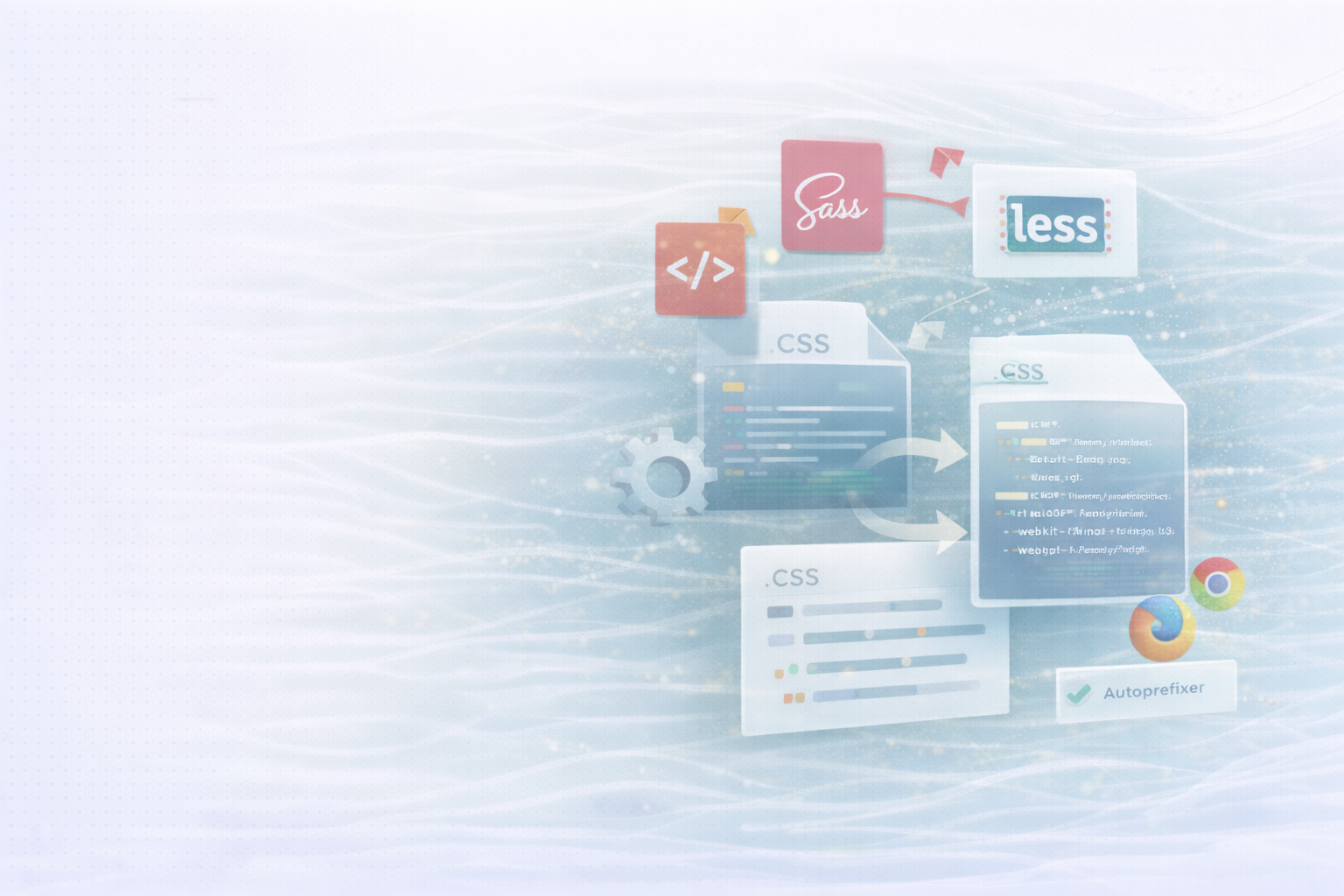
Work as opposed to preprocessors post-processors on the already compiled CSS. They optimize the code, automatically add vendor prefixes, or convert modern CSS features into compatible variants for older browsers.
PostCSS:
A versatile JavaScript tool that works with plugins. This allows tasks such as minification, linting, autoprefixing or polyfilling new CSS features to be automated.
Auto prefixer:
A PostCSS plugin that automatically adds vendor prefixes (such as -webkit-, -moz-, -ms-). Based on a browser configuration, it ensures that styles work the same everywhere.
Original CSS:
/* Modern CSS code */
.button {
  display: flex;
  transition: transform 0.3s ease-in-out;
  user-select: none;
}
After processing by Autoprefixer:
/* Processed CSS with vendor prefixes */
.button {
  display: -webkit-box;
  display: -ms-flexbox;
  display: flex;
  -webkit-transition: -webkit-transform 0.3s ease-in-out;
  transition: transform 0.3s ease-in-out;
  -webkit-user-select: none;
  -moz-user-select: none;
  -ms-user-select: none;
  user-select: none;
}
Explanation:
Autoprefixer analyzes target browsers (e.g. from a browser list configuration) and automatically adds the required prefixes. This keeps the code compatible without you having to manually adjust it.
The combination of both tools ensures maximum efficiency and code quality. Typically, you write your code with a preprocessor (such as Sass), compile it to CSS, and then run it through a post-processor such as PostCSS.
advantage:
This workflow saves time, minimizes sources of error and ensures uniform presentation across all devices and browsers.
CSS preprocessors and post-processors are now indispensable tools for high-performance, scalable and easy-to-maintain front-end projects. While preprocessors speed up the development process through variables, mixins and modular structures, post-processors ensure compatibility and performance in live operation.
In combination, they create a modern, automated workflow that benefits both developers and users.
UNHYDE is a web development agency from Munich, specialized in powerful web solutions, UX design and digital brand development. As an official Shopify partners We develop scalable online stores and websites that perfectly combine conversion, design and performance.
Whether you want to modernize your frontend, automate your development processes, or optimize your website for international markets — We support you with technical expertise and strategic know-how.

Get in touch
contact now