


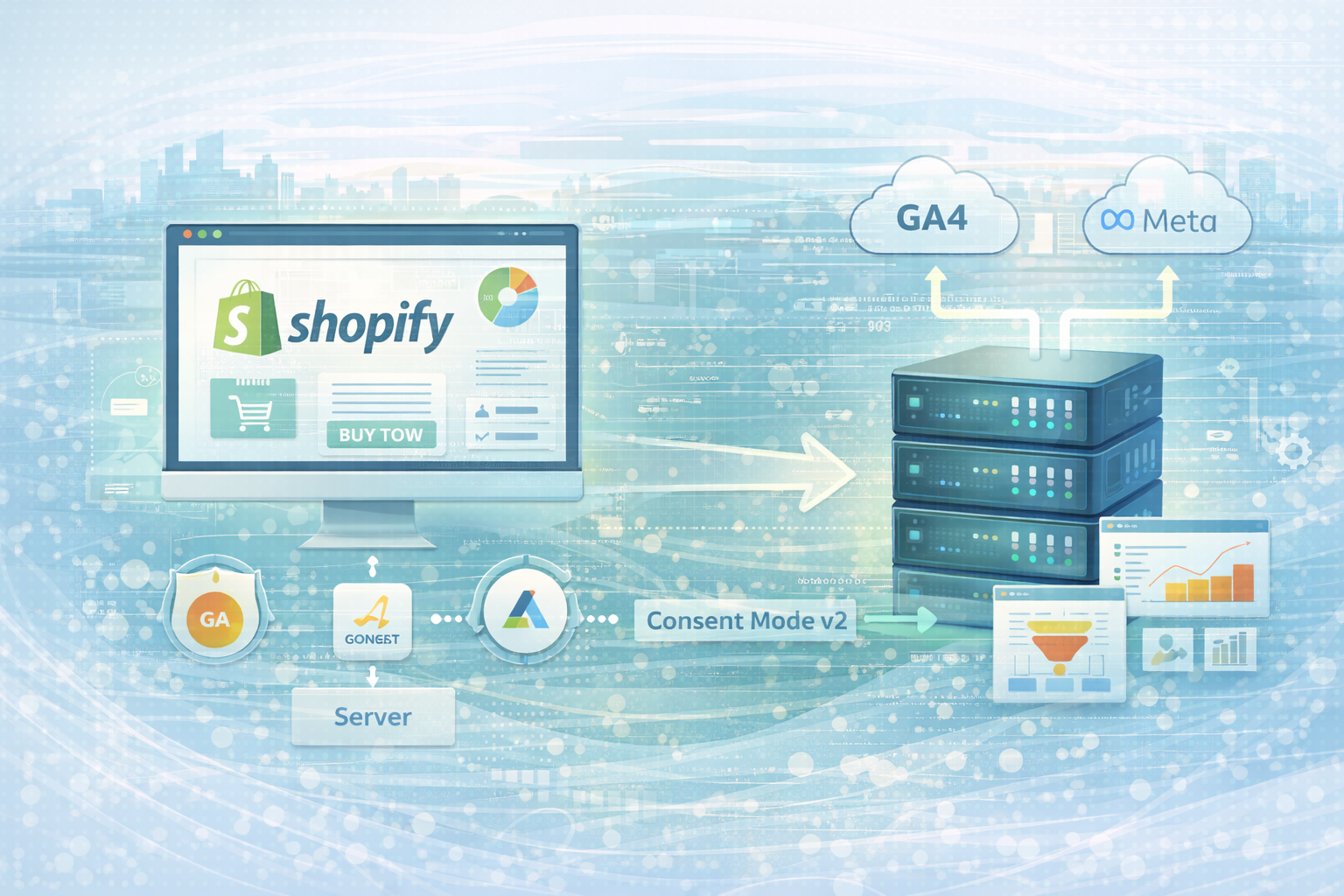
Many Shopify stores think they've “installed” tracking.
Google Analytics is connected.
Google Ads is running.
Meta pixel is integrated.
But when you analyze more deeply, it becomes clear that:
The problem:
Tracking is no longer a setup issue — but an architecture issue.
With GA4, data protection requirements and Consent Mode v2, a clean database has become more complex.
Anyone who makes mistakes here optimizes marketing with incorrect figures.
Many shops still use the native Shopify GA4 field.
However, that is not enough if you:
would like to.
Instead of directly integrating GA4, you should use Google Tag Manager.
In the Shopify theme (theme.liquid or via Customer Events), the GTM container is integrated:
1<!-- Google Tag Manager -->
2<script>
3(function(w,d,s,l,i){w[l]=w[l]||[];w[l].push({'gtm.start':
4new Date().getTime(),event:'gtm.js'});var f=d.getElementsByTagName(s)[0],
5j=d.createElement(s),dl=l!='dataLayer'?'&l='+l:'';j.async=true;j.src=
6'https://www.googletagmanager.com/gtm.js?id='+i+dl;f.parentNode.insertBefore(j,f);
7})(window,document,'script','dataLayer','GTM-XXXXXXX');
8</script>
A cleanly structured DataLayer setup is then important.
Example of an add-to-cart event:
window.dataLayer = window.dataLayer || [];
dataLayer.push({
  event: "add_to_cart",
  ecommerce: {
    currency: "EUR",
    value: 79.90,
    items: [{
      item_name: "Produktname",
      item_id: "SKU123",
      price: 79.90,
      quantity: 1
    }]
  }
});
Valid reports are only possible with a clean DataLayer.
With iOS 14+, ad blockers and browser restrictions, classic tracking data is lost.
Client-side tracking alone is no longer enough.
Server-side tracking via a GTM server container significantly stabilizes data quality.
advantages:
Basic architecture:
Browsers → Server Containers → GA4/Meta/Google Ads
Server endpoint example:
https://tracking.deinedomain.deThe GA4 tag is then no longer sent directly to Google, but forwarded to the server container.
Since the Digital Markets Act, Consent Mode v2 has in fact been mandatory for Google Ads & GA4 in the EU.
Without a correctly implemented consent mode:
The basic implementation looks like this:
<script>
gtag('consent', 'default', {
  ad_storage: 'denied',
  analytics_storage: 'denied',
  ad_user_data: 'denied',
  ad_personalization: 'denied'
});
</script>
After approval, the following will be updated:
gtag('consent', 'update', {
  ad_storage: 'granted',
  analytics_storage: 'granted',
  ad_user_data: 'granted',
  ad_personalization: 'granted'
});
Important:
Consent Mode must be synchronized with the CMP (cookie banner) used.
Many stores lose 10-30% of their data due to:
The problem often only becomes apparent when marketing scales significantly.
This results in incorrect ROAS calculations.
A modern setup includes:
Only then can performance marketing really optimize precisely.
Marketing budgets are decided on the basis of data.
When data is incorrect, budgets are distributed incorrectly.
Clean tracking means:
Tracking is the basis of any scaling strategy.
Do you want to know whether your tracking is really implemented correctly?
We analyze your existing setup, check GA4, Server-Side Tracking and Consent Mode v2 — and develop a stable tracking architecture for sustainable growth.
👉 Request a tracking audit now.
👉 Discover our Shopify services

Get in touch
contact now
