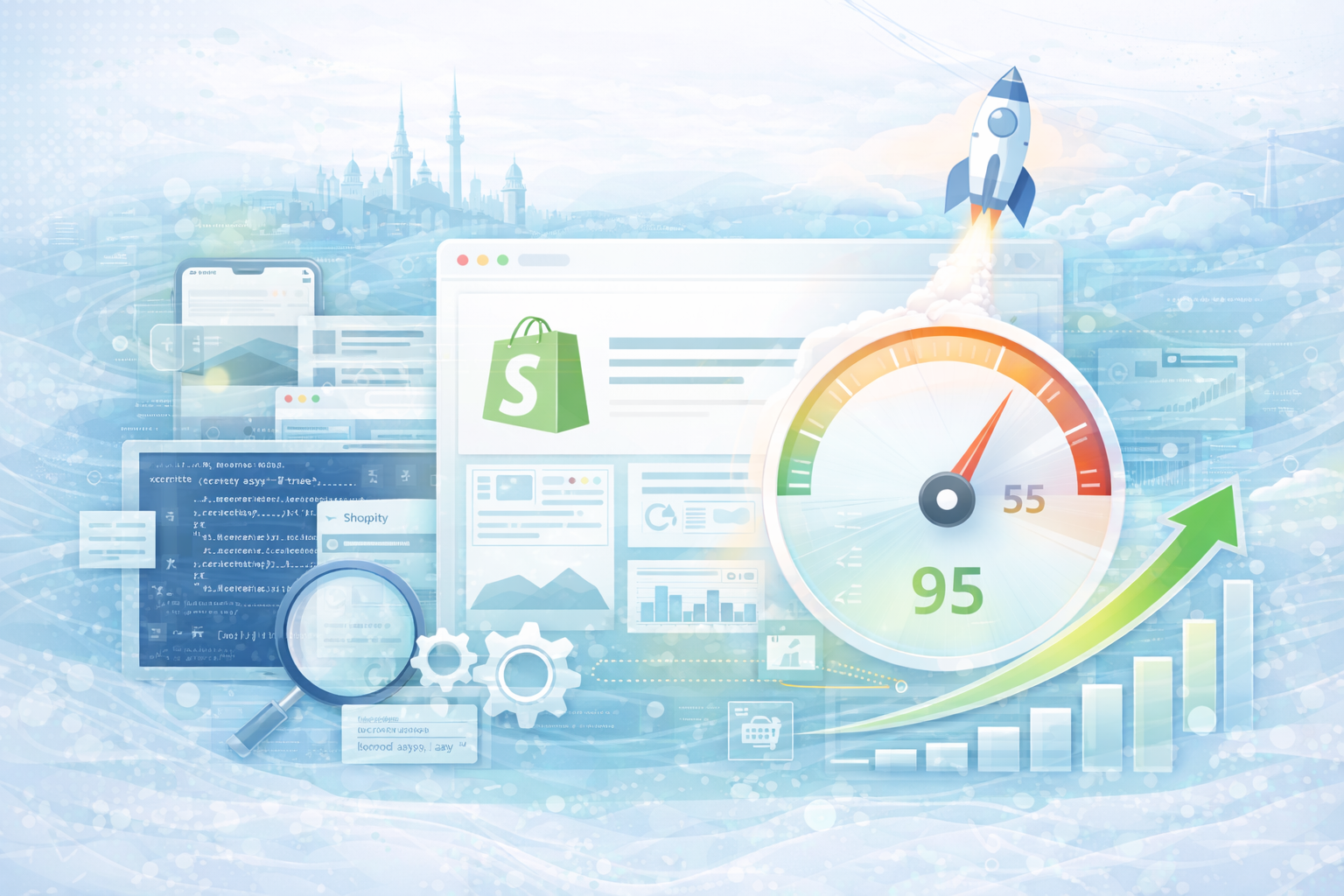
Poor performance is not a technical detail, but a direct conversion killer. Studies show that just an additional second of loading time can significantly reduce the conversion rate. Especially in mobile traffic — which now accounts for the majority — speed is the deciding factor over buying or jumping off.
Many shop owners are investing in design, ads or new features — while the technical basis in the background is becoming increasingly difficult.
Page speed is not a luxury. It is the basis of revenue.
Shopify itself is built to perform. The problems usually arise from established structures.
Over time, apps, tracking scripts, external tools, and individual adjustments accumulate. Any additional integration can load JavaScript, generate API requests, or block rendering.
The following are particularly critical:
Often the problem is not in Shopify — but in the architecture of the shop.
Among other things, Google rates the Core Web Vitals:
A poor score can not only worsen the user experience, but also influence the ranking.
Performance can be a decisive SEO factor, especially when it comes to highly competitive keywords.
Before you fix performance issues, you should make them measurable. Google provides Lighthouse A free tool is ready that gives you specific optimization tips — directly in the browser.
The best thing about it: You don't need any additional software.
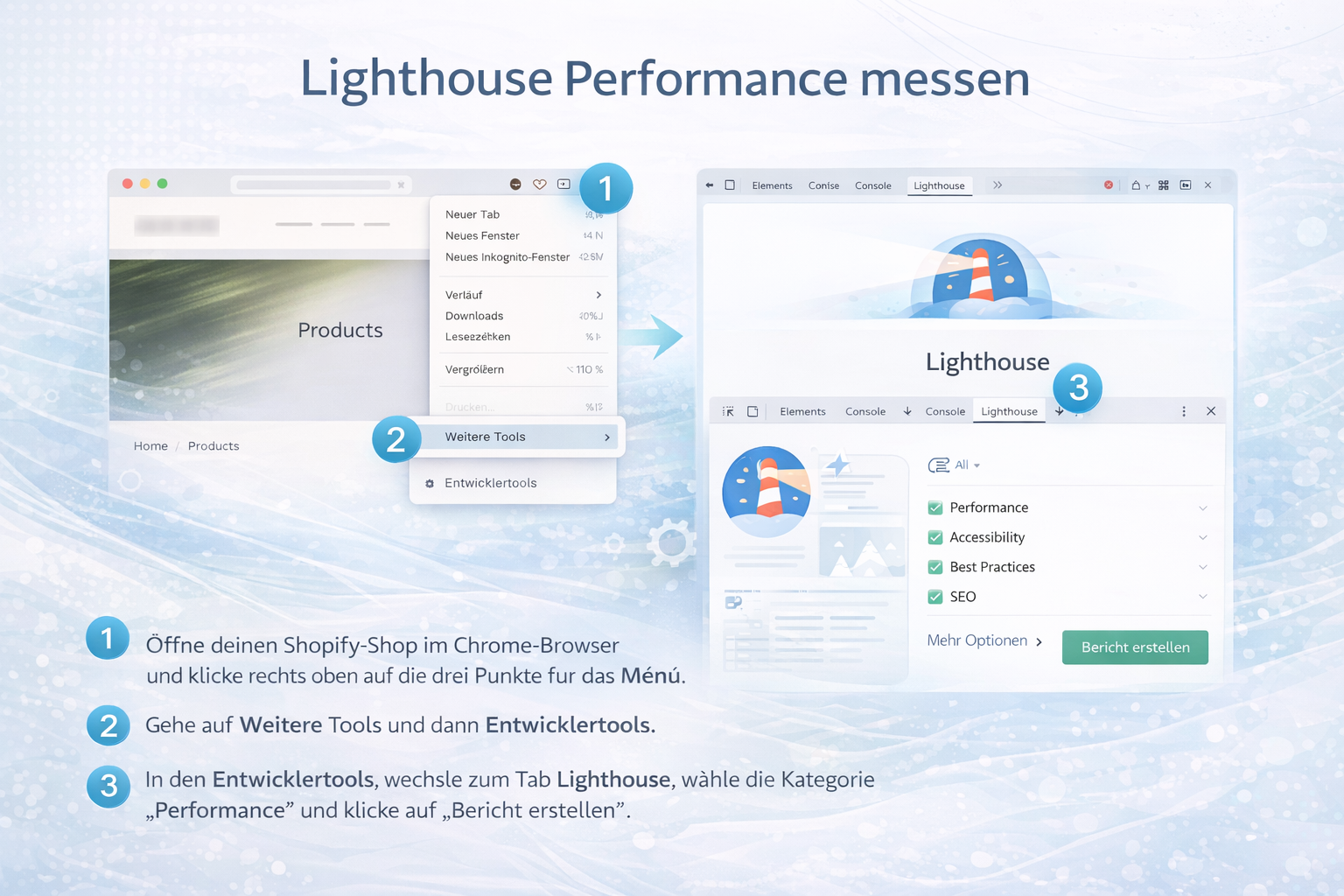
Open your Shopify store in Google Chrome
Right click on a vacant area of the page and choose “Investigate” off.
Alternatively, you can open Developer Tools using the following shortcuts:
Cmd + option + ICtrl + Shift + I
The developer panel now opens at the right or bottom of the screen.
At the top of the developer tools, you'll find several tabs such as “Elements,” “Console,” or “Network.”
Select the tab here “Lighthouse” off.
If it is not visible, you can use the arrow menu to display additional tabs.
You can choose whether to:
For realistic results, you should definitely use the Mobile analysis choose because the majority of traffic is mobile.
Click on “Generate report”.
Lighthouse now simulates a real user connection and analyses:
After a few seconds, you will receive a detailed performance report including specific recommendations for action.
A score between:
Important: The score alone is not decisive.
The specific suggestions for improvement are decisive among them.
The following are often particularly relevant for Shopify stores:
These tips show you exactly where performance is being lost.
Lighthouse provides valuable information — but does not replace strategic performance analysis.
Many Shopify stores lose performance not only due to individual files, but also due to:
An isolated fix of individual warnings improves the score — but does not automatically solve structural problems.
Sustainable Shopify performance optimization starts with analysis. Tools such as Google PageSpeed Insights or Lighthouse provide initial clues — but do not replace a structured technical review.
Typical optimization approaches include:
Many functions can be solved through clean custom programming instead of using several apps in parallel. Fewer apps mean fewer scripts—and often significantly better load times.
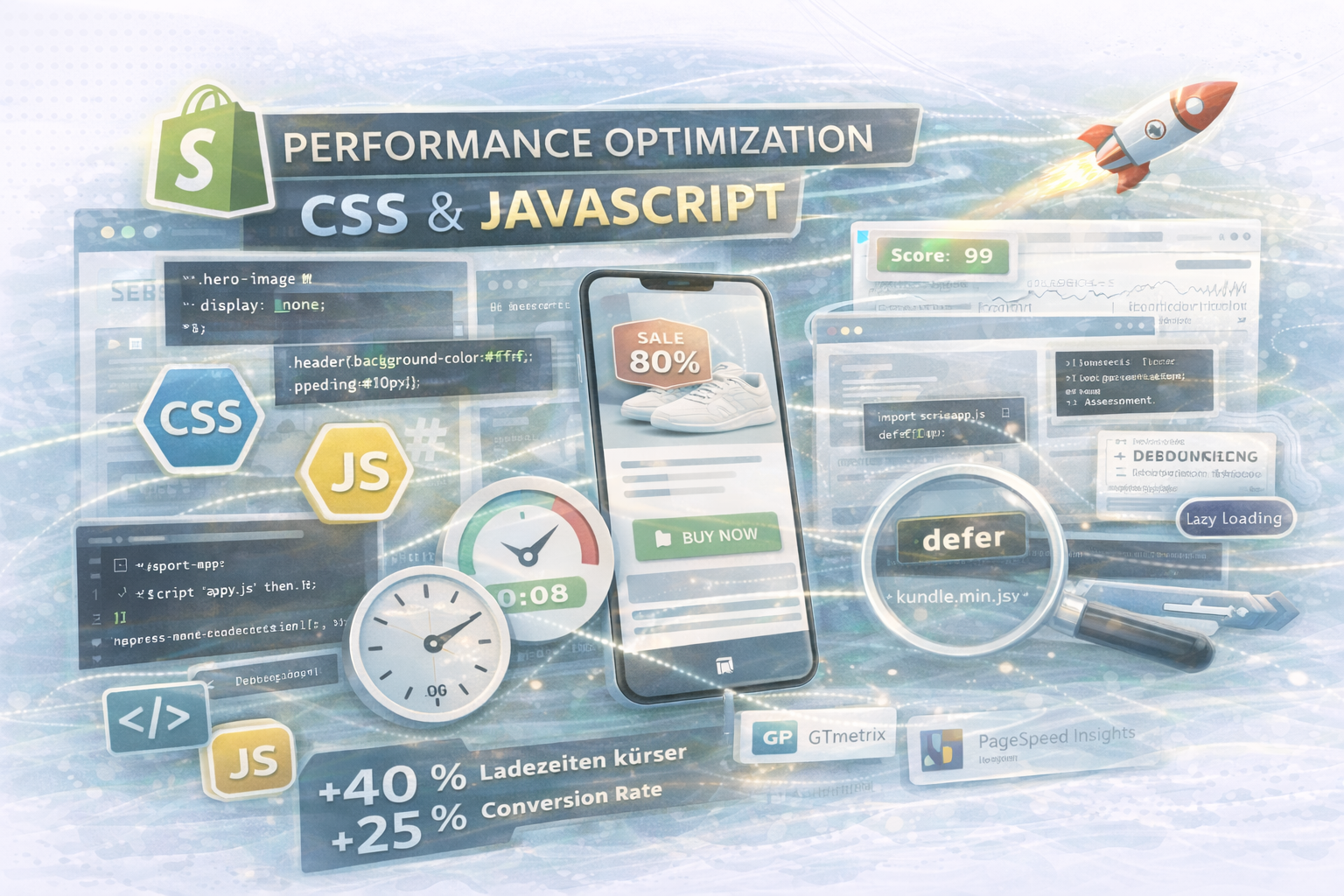
Large, uncompressed images are one of the most common braking factors. Modern formats and clean lazy loading can bring significant improvements here.
A simple example of lazy loading in themes:
<img src="{{ product.featured_image | img_url: '800x' }}" loading="lazy" alt="{{ product.title }}">
Not every script has to be executed immediately when the page loads. “Defer” or “async” can reduce blocking resources.
example:
<script src="{{ 'custom.js' | asset_url }}" defer></script>
Many performance problems are caused by overloaded themes. A clearly structured, reduced theme with clean code is more stable in the long term than a heavily adapted standard theme.
A fast shop works:
Users subconsciously perceive speed as a signal of quality. This influences purchasing decisions, particularly when it comes to high-priced products.
Performance optimization is therefore not just technical fine-tuning — but strategic conversion work.
If your store:
The bigger your traffic, the bigger the effect of every millisecond.
Would you like to know where your shop is losing performance — and what potential it has?
We analyze theme structure, apps, scripts and Core Web Vitals and show you specific optimization approaches.

Get in touch
contact now