Shopify Metafields offer you the opportunity to customize your online shop far beyond the standard fields.
Regardless of whether you technical product specifications, special labels or additional data points needs —
Metafields are the ideal solution for individual requirements.
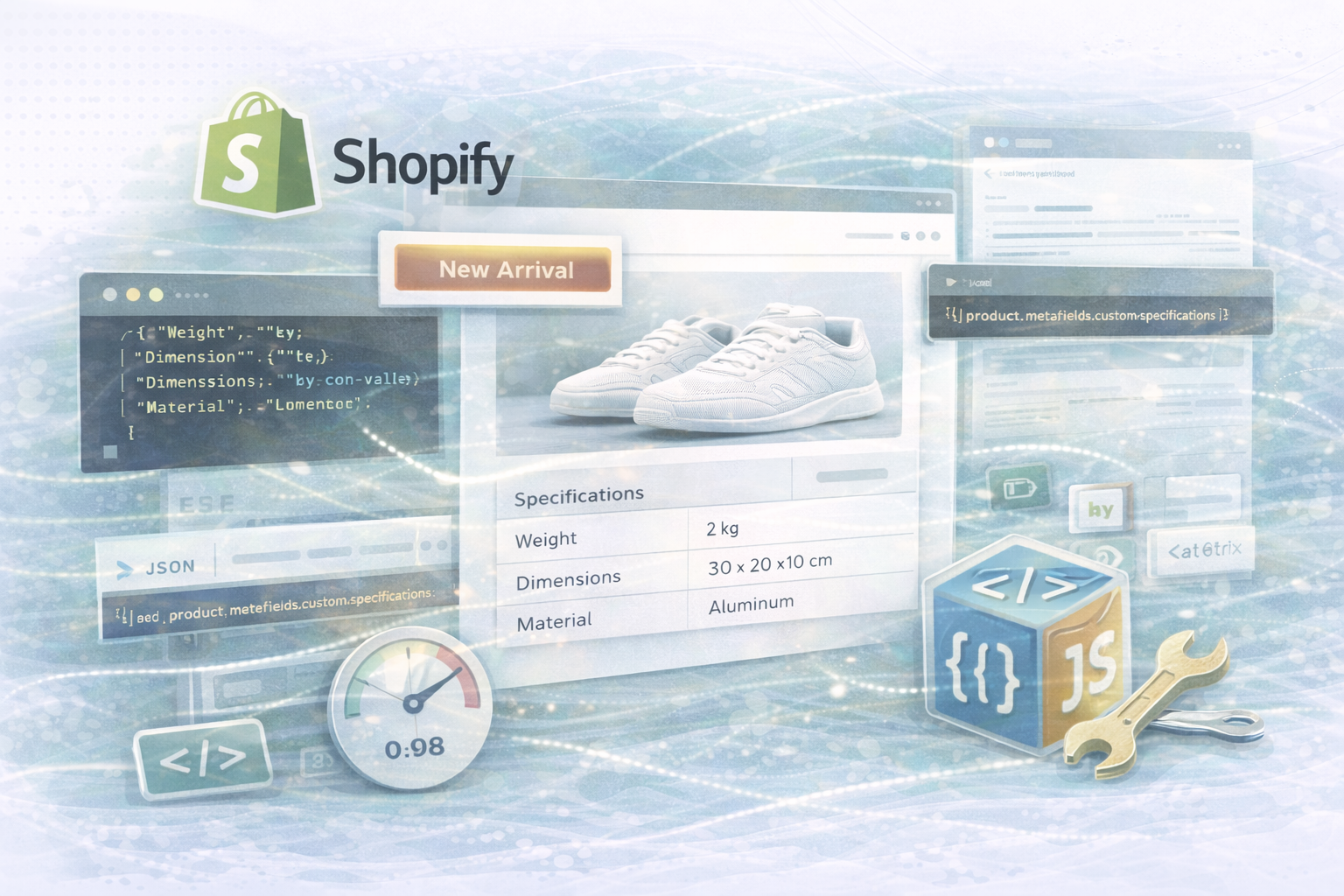
As a practical example, we will show you a user-defined product specification table,
which Metafields uses to present data dynamically and clearly.
Metafields extend Shopify's data model additional, flexible fields, which in Key-value pairs be saved.
Each metafield consists of a namespace and one Keyto avoid conflicts and create order.
example:
customSpecifications
Save additional information such as technical details, ingredients, or care instructions.
Control individual page elements — such as tables, labels, or data points — directly via metafields without changing your theme.
Reach over Liquid Connect to metafields in your theme and dynamically integrate them into templates.
Let's say you want to view a table with technical details.
Sample value (JSON):
[
  { "name": "Weight", "value": "2kg" },
  { "name": "Dimensions", "value": "30 x 20 x 10 cm" },
  { "name": "Material", "value": "Aluminum" }
]
You can dynamically convert this JSON data into a product detail table later.
💡 Example: Retrieve JSON data
liquid:
{% if product.metafields.custom.specifications %}
  {% assign specs_json = product.metafields.custom.specifications %}
{% else %}
  {% assign specs_json = '[]' %}
{% endif %}
This is how you check whether the metafield exists and create a fallback variable if no data is available.
html:
<div id="product-specifications"></div>
This <div> serves as a placeholder for the dynamic table.
liquid:
<script>
  // Pass the metafield JSON string to a JavaScript variable
  var specsData = {{ specs_json | json }};
</script>
The liquid filter | json ensures that the data is passed as a correct JavaScript object.
javascript:
<script>
  (function() {
    // Ensure specsData is a valid JSON object
    var specifications = specsData;

    // If the metafield data is stored as a string, parse it
    if (typeof specifications === 'string') {
      try {
        specifications = JSON.parse(specifications);
      } catch (e) {
        console.error('Invalid JSON for product specifications:', e);
        specifications = [];
      }
    }

    var specsContainer = document.getElementById('product-specifications');

    if (specifications.length > 0) {
      // Start building the HTML for the specifications table
      var html = '<table class="specs-table">';
      html += '<thead><tr><th>Specification</th><th>Value</th></tr></thead>';
      html += '<tbody>';

      // Loop through each specification and create table rows
      specifications.forEach(function(item) {
        html += '<tr><td>' + item.name + '</td><td>' + item.value + '</td></tr>';
      });

      html += '</tbody></table>';

      // Insert the table into the container
      specsContainer.innerHTML = html;
    } else {
      // If no specifications are available, display a message
      specsContainer.innerHTML = '<p>No specifications available.</p>';
    }
  })();
</script>
💡 Explanatory note:
The script checks whether valid JSON data is available, parses it and creates an HTML table from it, which is automatically written to the DOM.
css:
<style>
  .specs-table {
    width: 100%;
    border-collapse: collapse;
    margin: 20px 0;
    font-family: Arial, sans-serif;
  }
  .specs-table th, .specs-table td {
    border: 1px solid #ddd;
    padding: 10px;
    text-align: left;
  }
  .specs-table th {
    background-color: #f4f4f4;
    font-weight: bold;
  }
  .specs-table tr:nth-child(even) {
    background-color: #f9f9f9;
  }
</style>
This CSS ensures a clear structure and good readability of your table.
custom.specifications.
console.error ().
Shopify Metafields are a powerful tool
around your shop with tailored, data-based content to expand.
With the combination of Liquid, JSON, and JavaScript
Can you dynamically render content and make it clear to your customers more informed shopping experience offer.
Whether it's technical details, material information or individual product tables —
Metafields give you maximum flexibility for your product pages.
UNHYDE Is a Web and Shopify agency from Munich,
specialized in Theme development, data integration, and performance optimization.
We design tailored Shopify experiences,
that perfectly combine design, technology and conversion.
As certified Shopify partner
We have successfully implemented shops with complex metafield structures all over the world.
📩 contact: hello@unhyde.me
Let's grow your Shopify store data-driven together
— with individual metafields and intelligent liquid solutions.

Get in touch
contact now