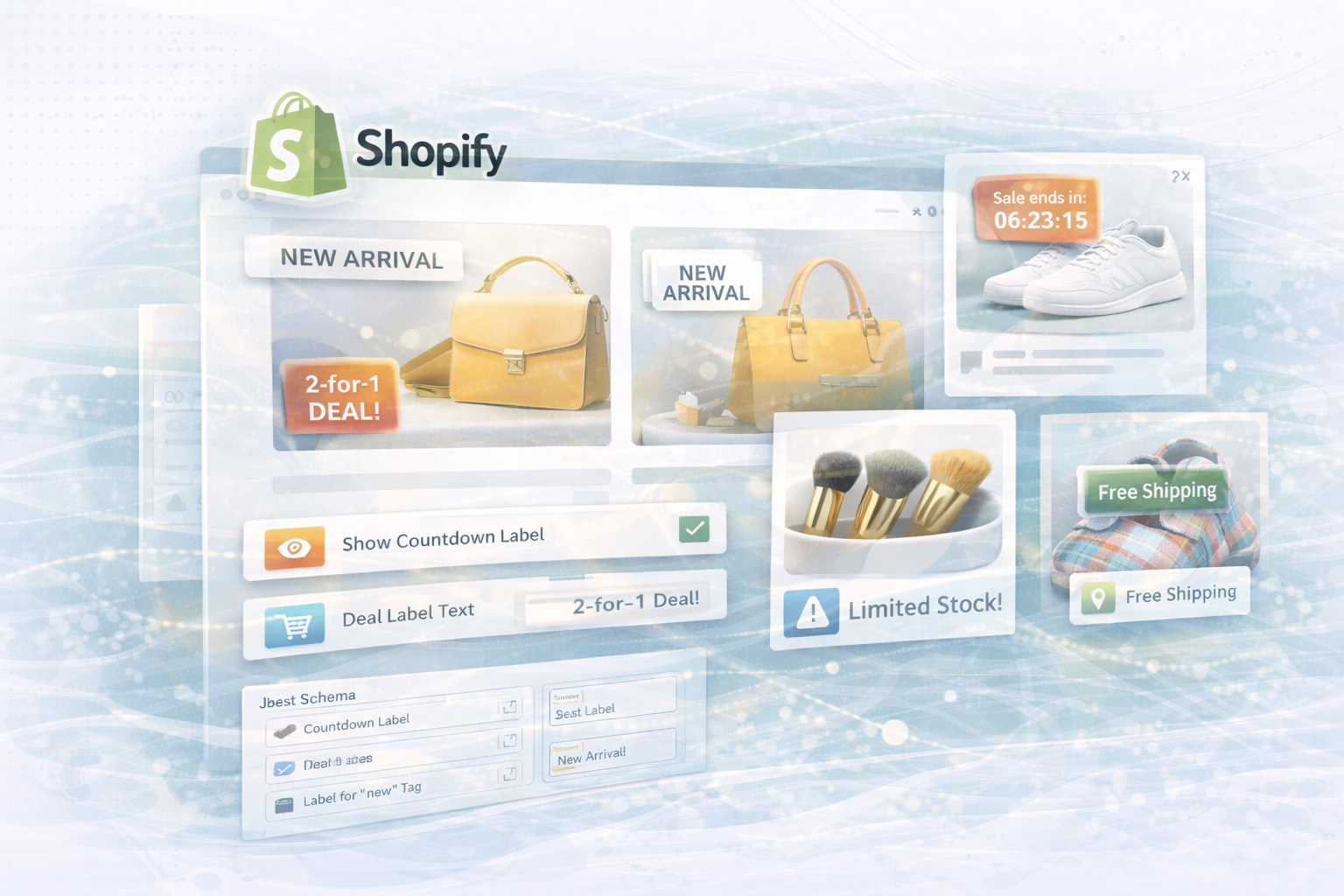
Custom Labels on product images are a simple yet effective means of Attention, Engagement, and Conversion Rates Boost in your Shopify store.
In this post, we'll show you
Like you dynamic labels upon Collection and product pages integrate —
fully controllable via the Theme Editor by means of JSON schema.
Here's how you can easily activate or customize countdown badges, action notes, or “new arrival” labels — without code changes, directly via the admin interface.
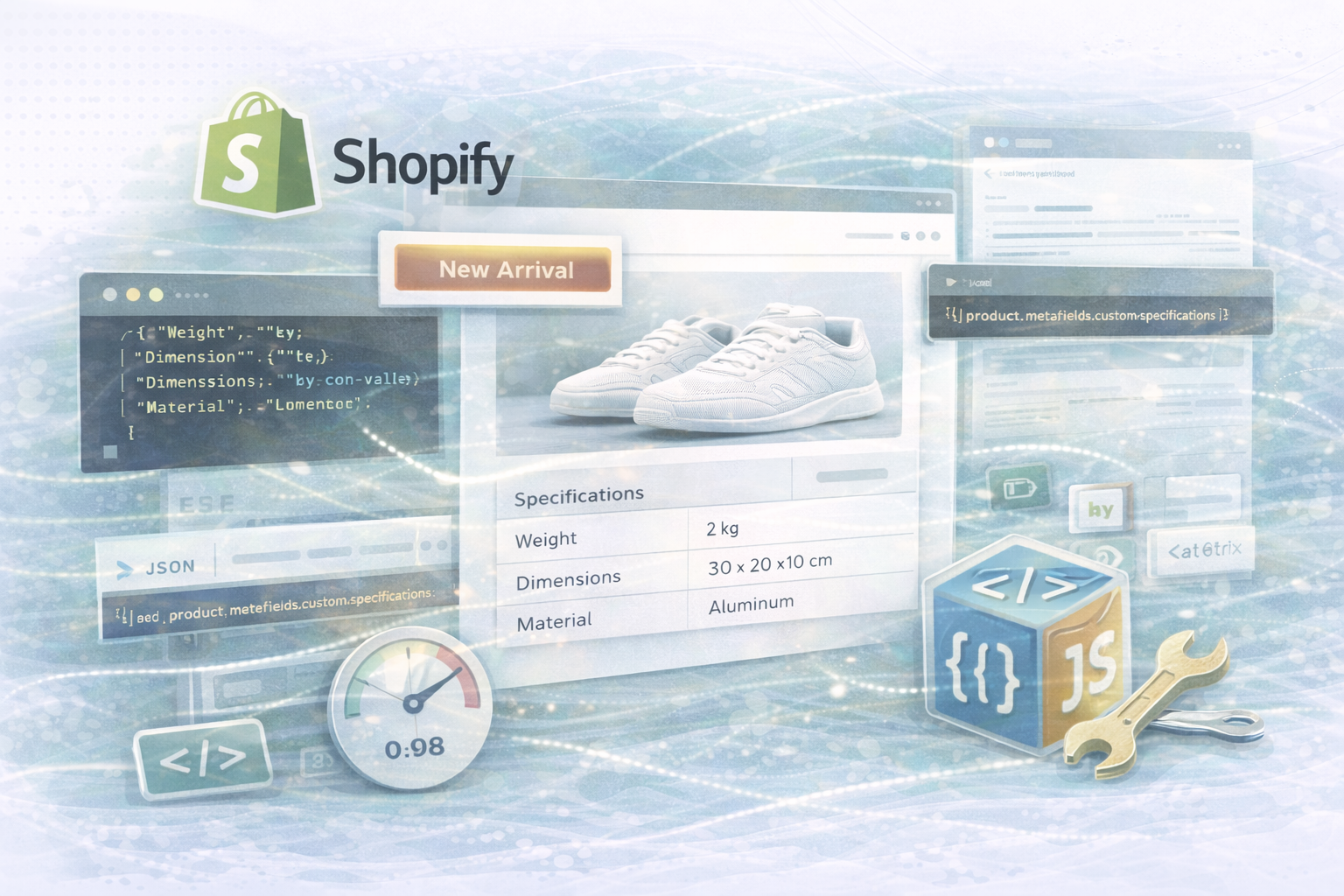
Use Shopify themes JSON schemasto define settings that are defined in Theme Editor are adaptable.
For example, dynamic options can be activated via simple checkboxes or text fields — such as “Show countdown” or “Deal label text”.
Here is an example of a JSON schema that you can integrate into your section:
JSON:
{
  "name": "Custom Labels",
  "settings": [
    {
      "type": "checkbox",
      "id": "show_countdown",
      "label": "Show Countdown Label",
      "default": true
    },
    {
      "type": "text",
      "id": "countdown_end",
      "label": "Countdown End Date (YYYY-MM-DD HH:MM:SS)",
      "default": "2025-12-31 23:59:59"
    },
    {
      "type": "checkbox",
      "id": "show_deal_label",
      "label": "Show Deal Label",
      "default": false
    },
    {
      "type": "text",
      "id": "deal_text",
      "label": "Deal Label Text",
      "default": "2-for-1 Deal!"
    },
    {
      "type": "text",
      "id": "collection_handle",
      "label": "Collection Handle for Label",
      "default": "summer-collection"
    },
    {
      "type": "text",
      "id": "tag_label",
      "label": "Label for 'new' Tag",
      "default": "New Arrival!"
    },
    {
      "type": "checkbox",
      "id": "show_limited_stock",
      "label": "Show Limited Stock Label",
      "default": true
    },
    {
      "type": "number",
      "id": "limited_stock_threshold",
      "label": "Stock Threshold",
      "default": 10
    }
  ]
}
With these settings, you can flexibly show or hide labels and text directly in Theme Editor adjust.
Generates a countdown urgency — ideal for discount campaigns or limited sales.
liquid:
{% if settings.show_countdown %}
  {% assign countdown_end = settings.countdown_end | date: "%s" %}
  {% assign now = 'now' | date: "%s" %}
  {% assign remaining = countdown_end | minus: now %}
  {% if remaining > 0 %}
    <div class="custom-label countdown">
      Sale ends in:
      {{ remaining | divided_by: 3600 | floor }}h
      {{ remaining | modulo: 3600 | divided_by: 60 | floor }}m
      {{ remaining | modulo: 60 }}s
    </div>
  {% endif %}
{% endif %}
💡 Tip:
Since Liquid only supports limited time calculations, you can JavaScript Implement more precise countdown logic — the end date is defined by a data attributes Handed over from liquid.
A simple, eye-catching label for Promotions or discount offers:
liquid:
{% if settings.show_deal_label %}
  <div class="custom-label deal">
    {{ settings.deal_text }}
  </div>
{% endif %}
The label is available via the theme option “Deal label text” Customizable at any time — so you can quickly switch between “2-for-1”, “Summer Deal” or “Flash Sale.”
You want products from a special collection highlight? This snippet automatically shows the name of the collection:
liquid:
{% assign target_collection = collections[settings.collection_handle] %}
{% if target_collection and product.collections contains target_collection %}
  <div class="custom-label collection">
    {{ target_collection.title }}
  </div>
{% endif %}
that Collection Handle Can you define directly in the theme editor — e.g. “Summer collection” or “limited edition”.
You can use product tags to dynamic labels display — for example for news:
liquid:
{% if product.tags contains 'new' %}
  <div class="custom-label tag">
    {{ settings.tag_label }}
  </div>
{% endif %}
💡 About the setting “Tag Label” For example, you can quickly turn “New Arrival” into “New Now” or “Brand New” — without access to code.
liquid:
{% if settings.show_limited_stock and product.available and product.inventory_quantity < settings.limited_stock_threshold %}
  <div class="custom-label limited-stock">
    Limited Stock!
  </div>
{% endif %}
liquid:
{% if product.tags contains 'best-seller' %}
  <div class="custom-label best-seller">
    Best Seller
  </div>
{% endif %}
liquid:
{% if product.tags contains 'free-shipping' %}
  <div class="custom-label free-shipping">
    Free Shipping
  </div>
{% endif %}
You can buy all of these labels via additional JSON Schema Settings Make it controllable — e.g. through text input fields or checkboxes in the theme editor.
To make your labels appear consistent on all pages, create a common snippet file (custom-labels.liquid) and include them in your templates:
liquid:
{% include 'custom-labels' %}
If you change something in this snippet or schema file, it automatically takes effect across pages off — for a uniform appearance throughout the shop.
✅ No code change required: Everything can be controlled via the theme editor
✅ Flexible & expandable: JSON schema allows quick adjustments
✅ Conversion boost: Labels create urgency, trust & context
✅ Corporate consistency: Consistent designs across all product pages
Custom Product Labels are an effective means of Offers, urgency and relevance to communicate visually.
By integrating via Liquid + JSON scheme Can you control flexibly
Which labels are active and which texts are displayed.
Whether it's a countdown, a sale badge or a “new arrival” —
These elements make up your store more dynamic, more conversion-friendly and more user-friendly.
Experiment with new ideas, add more options to your scheme
and watch how small visual details increase your sales figures.
UNHYDE Is a Web and Shopify agency from Munich,
specialized in Web development, UX/UI design and digital brand strategies.
We create powerful, conversion-optimized platforms,
that make brands sustainably successful.
As certified Shopify partner
We have worldwide numerous stores and themes developed —
tailored for performance, branding, and scalability.
📩 contact: hello@unhyde.me
We'll help you further develop your Shopify store with dynamic labels, custom sections, and smart UX features.

Get in touch
contact now