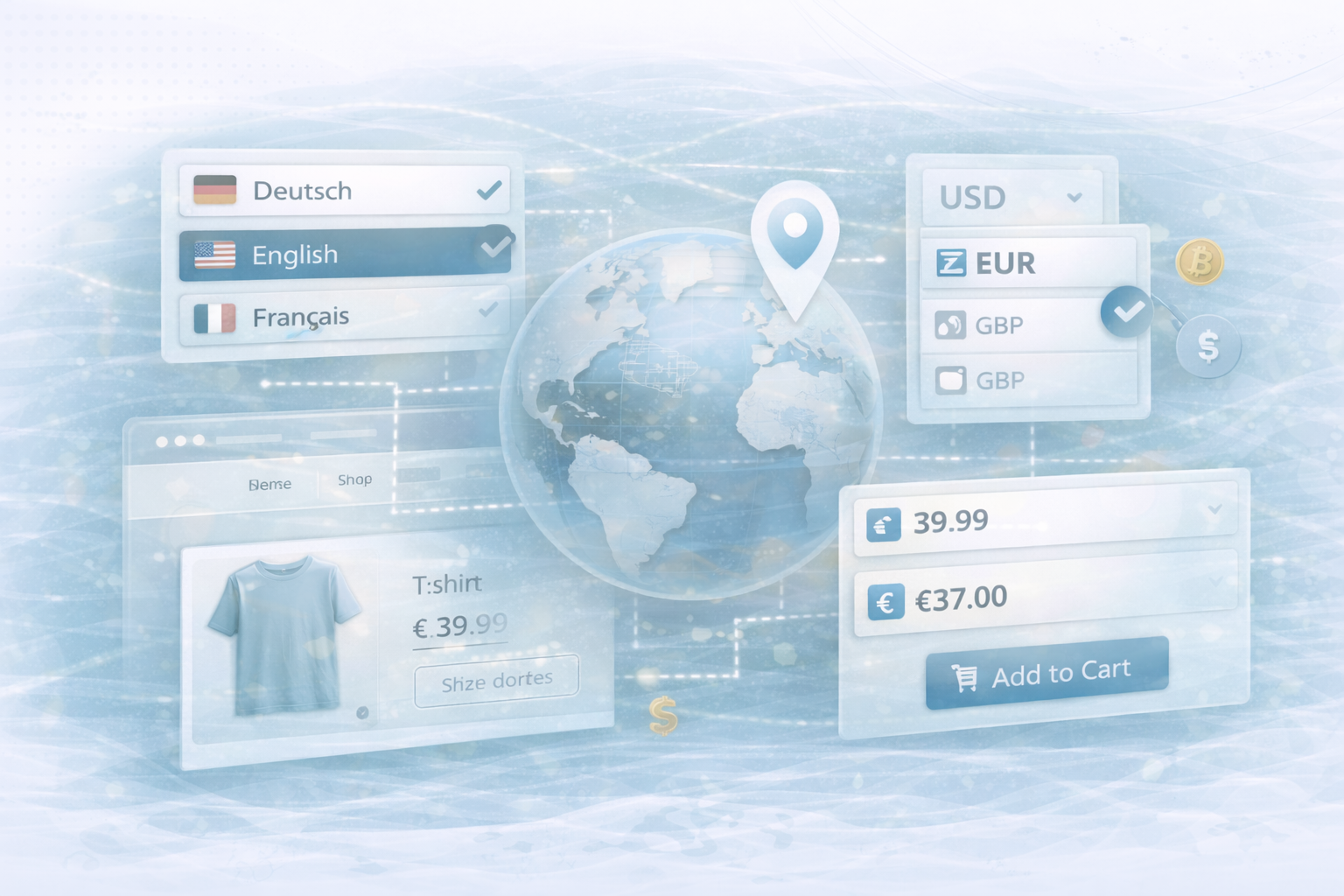
International expansion offers enormous growth potential — but a successful global store not only sells products, but also creates a local shopping experience for customers from all over the world. In this article, we'll show you hands-on how to build a multilingual, currency-flexible and region-specific shopping experience with Shopify. This includes a dynamic language switcher, automatic currency conversion, and geolocation. In addition, we cover legal requirements, performance tracking, and best practices for sustainable, international growth.
A multilingual shop is the basis of every global strategy. With a simple language switcher, customers can set the language of their choice while content is loaded dynamically via JSON files.
liquid:
<select id="language-selector">
  <option value="de">Deutsch</option>
  <option value="en">English</option>
  <option value="fr">Français</option>
</select>

<script>
  document.getElementById('language-selector').addEventListener('change', function() {
    var selectedLang = this.value;
    // Assume translation files (JSON) exist in /locales/
    fetch('/locales/' + selectedLang + '.json')
      .then(response => {
        if (!response.ok) {
          throw new Error('Network response was not ok');
        }
        return response.json();
      })
      .then(data => {
        document.querySelectorAll('[data-i18n]').forEach(function(elem) {
          var key = elem.getAttribute('data-i18n');
          elem.textContent = data[key] || elem.textContent;
        });
      })
      .catch(error => console.error('Error fetching translations:', error));
  });
</script>
Explanation:
/locales/fr.json) loaded and all elements with the attribute data-i18n dynamically updated.
Recommended extensions:
localStorageto save translations and avoid repetitive API calls.
Transparent prices in local currency create trust and increase the conversion rate. With the following solution, prices are converted dynamically.
html:
<script>
  async function updatePrices(currency) {
    try {
      const response = await fetch('/api/exchange?currency=' + currency);
      if (!response.ok) throw new Error('Failed to fetch exchange rate');
      const rateData = await response.json();
      document.querySelectorAll('.price').forEach(function(elem) {
        var originalPrice = parseFloat(elem.getAttribute('data-price'));
        // Use the exchange rate to update price elements
        elem.textContent = (originalPrice * rateData.rate).toFixed(2) + ' ' + currency;
      });
    } catch (error) {
      console.error('Error updating prices:', error);
    }
  }

  // Update prices on page load or when the user changes currency preference
  updatePrices('EUR');
</script>
Explanation:
/api/exchange) and updates all elements with the class .price.Data-Preis saved so that conversions are carried out cleanly.
Advanced options:
Geolocation allows you to automatically adjust language, currency, or even shipping options to the user's location.
html:
<script>
  // Simple geolocation example using a third-party API
  fetch('https://ipapi.co/json/')
    .then(response => response.json())
    .then(data => {
      // Assume data.country_code and data.currency are available
      const userCountry = data.country_code;
      const userCurrency = data.currency;
      // Automatically update the currency display
      updatePrices(userCurrency);
      // Optionally set the language based on the country
      if(userCountry === 'DE') {
        document.getElementById('language-selector').value = 'de';
      } else if(userCountry === 'FR') {
        document.getElementById('language-selector').value = 'fr';
      } else {
        document.getElementById('language-selector').value = 'en';
      }
      // Trigger the change event to update language content
      document.getElementById('language-selector').dispatchEvent(new Event('change'));
    })
    .catch(error => console.error('Error detecting location:', error));
</script>
Explanation:
The script uses a geolocation API (e.g. ipapi) to recognize the user's country and currency. Based on this, the appropriate language and currency are automatically set. This creates a personalized shopping experience without the customer having to manually change settings.
A targeted analysis helps to evaluate and optimize the success of your expansion.
Recommended tracking methods:
International expansion entails legal obligations that should definitely be taken into account.
An internationally scalable Shopify store requires more than translations—it needs an intelligent system for language, currency, and regional customization. Through language switchers, dynamic price conversion, and geolocation, you create an experience that is globally relevant and locally trustworthy.
Add legal due diligence, high-performance analysis, and cultural sensitivity to your strategy — and your Shopify store will successfully grow internationally.
UNHYDE is a Shopify agency from Munich with a focus on web development, user experience and digital growth. Our goal is to create high-performance, scalable platforms that deliver measurable results. As a certified Shopify partner, we support brands worldwide — from localization to technical implementation to conversion optimization.
For international rollouts and multi-language implementations, please contact us at hello@unhyde.me.

Get in touch
contact now