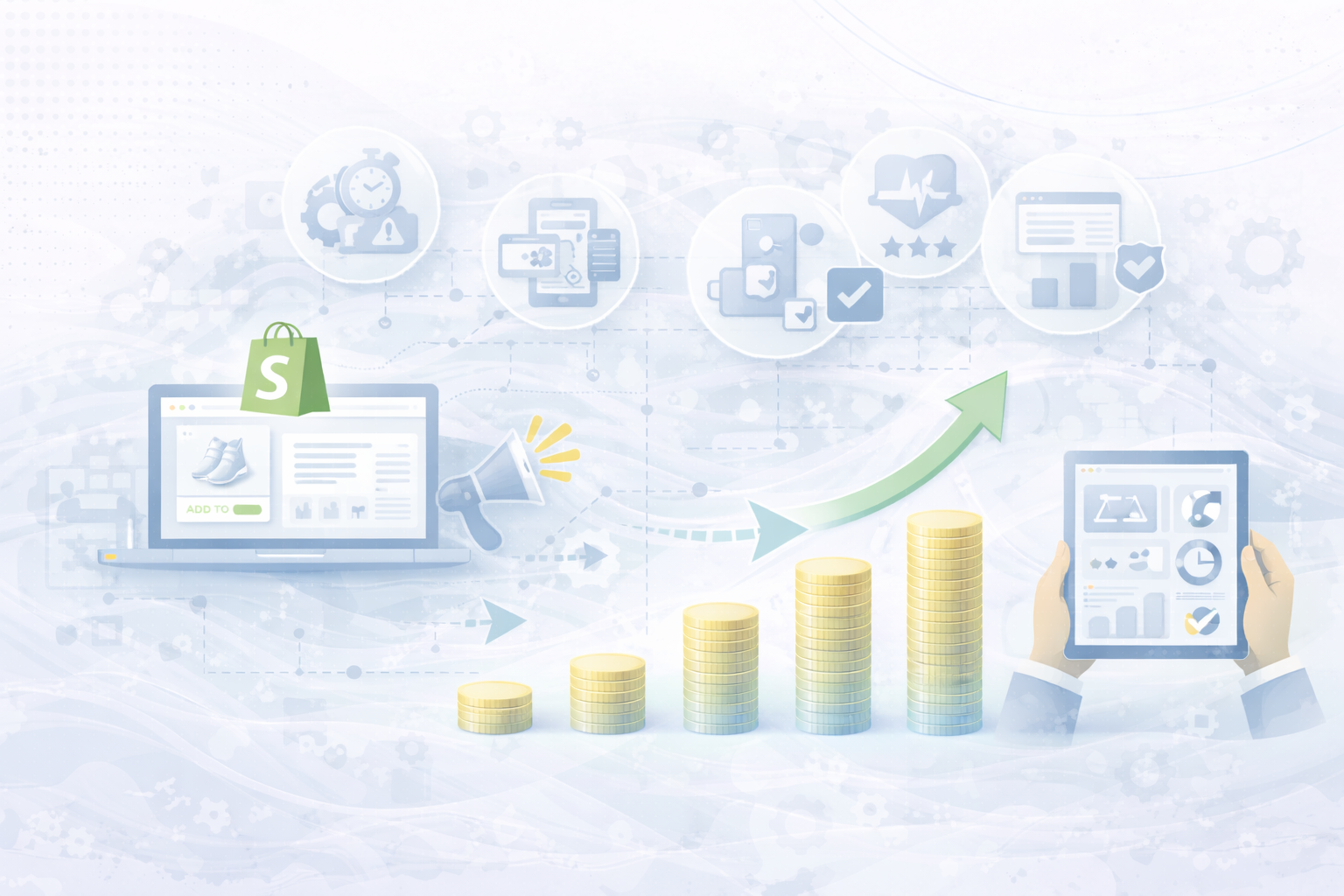
Do you already run an online shop — but are your sales falling short of expectations? Then you're not alone.
Competition in e-commerce is tougher than ever. Customers today have countless options, and the first impression of your website will decide in seconds whether someone buys or continues to click on.
Your website is no longer just a digital shop window — it is The heart of your online business. Not only must it look good, but especially on Shopify Work smoothly, load quickly and be perfectly tailored to the needs of your target group.
In this guide, I'll show you how to optimize your Shopify site so that it not only attracts visitors, but also convinces them — and turns them into loyal customers.
Imagine: A potential customer clicks on your shop but the page loads too slowly. After three seconds, he's gone — and probably with the competition.
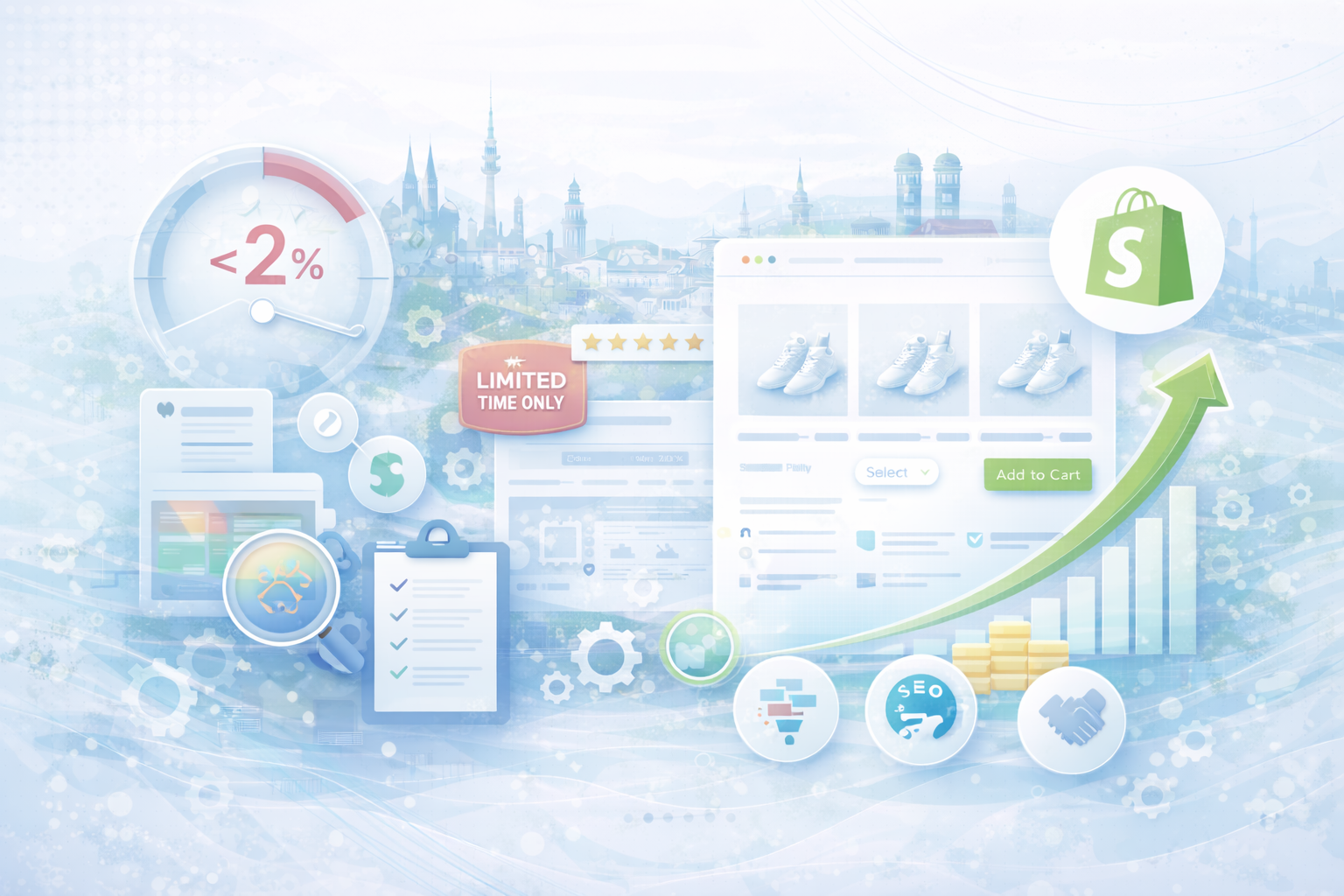
According to Google leave via 50% of users a page if it loads longer than three seconds. In e-commerce, this means: Every second of loading time costs revenue.
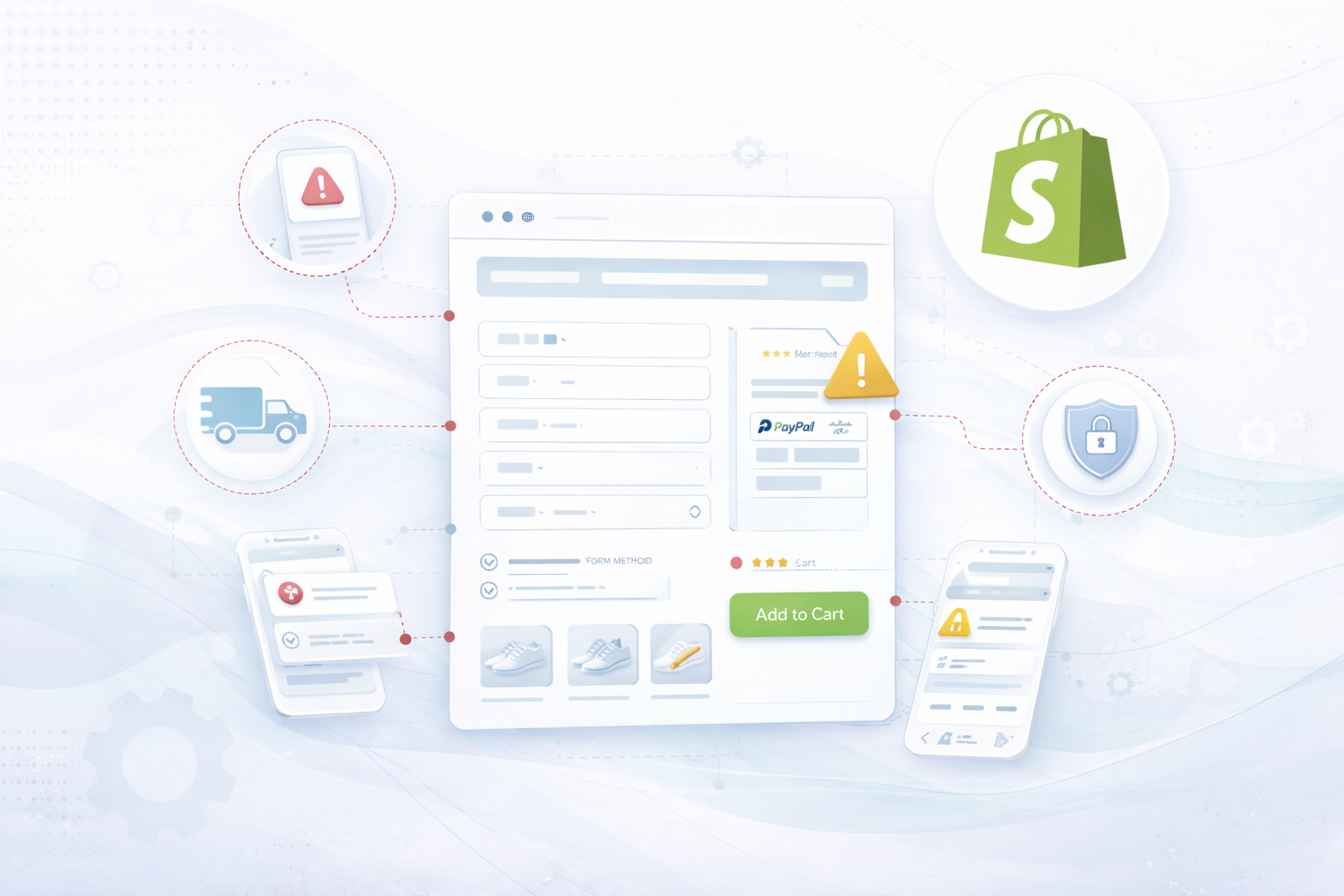
Usability also counts: A clear structure, intuitive navigation and simple filter options ensure that visitors quickly find what they are looking for. The shorter the route to checkout, the higher the conversion.
Yours Product pages are at the heart of your shop — this is where the purchase decision is made.
Good product pages must combine emotion and information. You must inspire and answer all questions at the same time.
Add product pages Sustainability icons, certificates or seals of approval. Conscious consumers in particular pay attention to authenticity and trust.
Over 70% of all Shopify orders are now mobil completed. If your shop doesn't work perfectly on smartphones, you'll lose customers.
A seamless, fast, and easy mobile shopping experience has been proven to result in more purchases and fewer shopping cart cancellations.
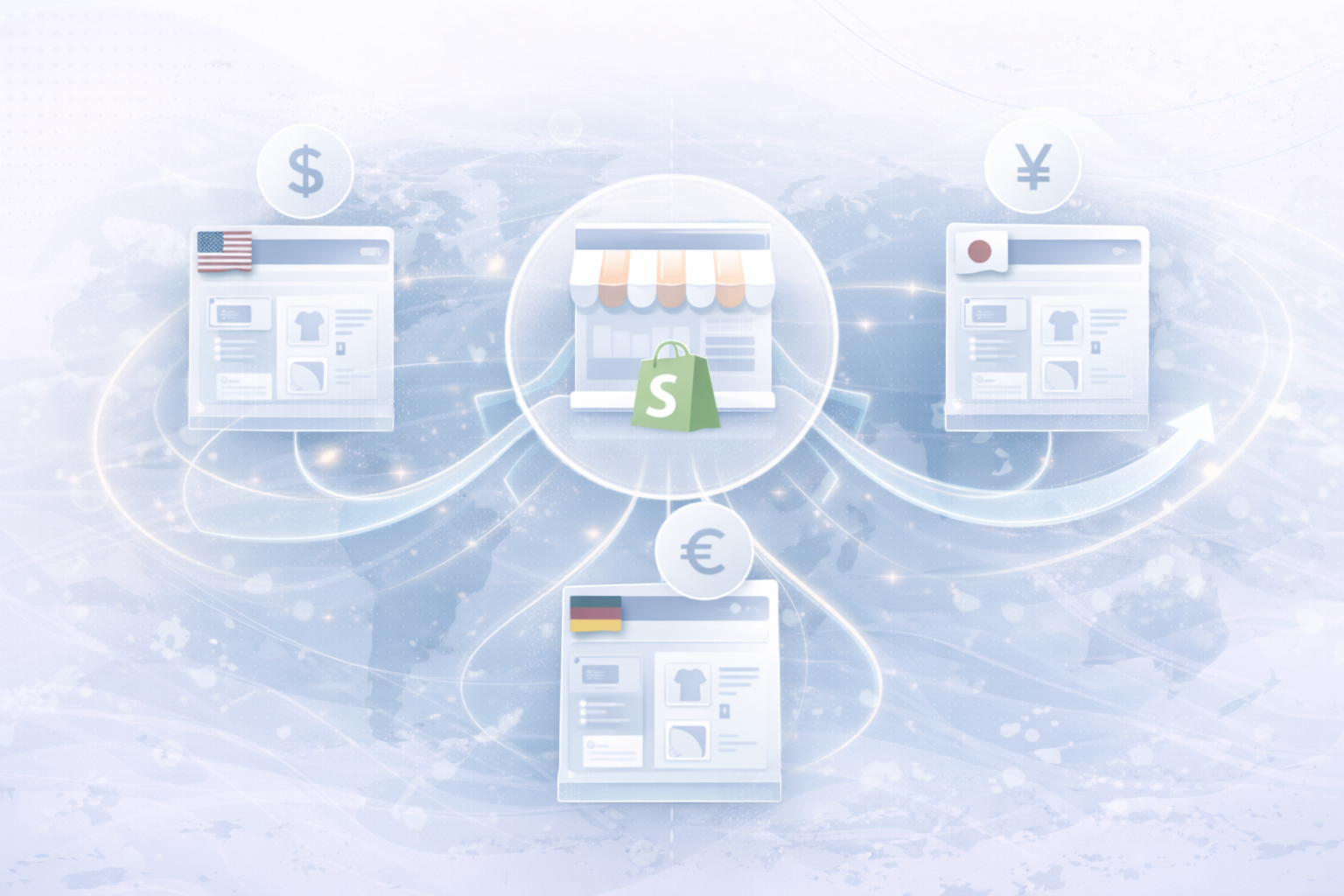
Not every online shop aims globally. Many Shopify retailers serve specifically regional markets — and this is exactly where it helps Local SEO.
Especially when you Click & Collect or regional delivery , local SEO is a game changer for more visibility in your city or region.
Customers trust other customers more than any advertising message.
Show that people love your brand. That's how you build trust — and trust leads to purchases.
Tip: Use Shopify Flow (on Shopify Plus) or automations to automatically ask customers for a review as soon as their order arrives.
A beautiful shop alone doesn't sell — you need visitors.
Use data-based retargeting: Reach out to visitors who have already viewed products but haven't bought them. This is how you recover lost sales.
The best thing about Shopify? You have all your data in one place.
Shopify Analytics, Google Analytics 4 or Hotjar provide you with deep insights into user behavior.
Test new layouts, call-to-actions, or color variants regularly. Even minor optimizations — such as a changed button color or shortened loading time — can Increase conversion rates by up to 20%.
Shopify has everything you need to successfully scale your e-commerce business—from fast themes and seamless UX to powerful marketing integrations.
But the key lies in the right combination of Technology, Design, and Strategy.
With an optimized Shopify website, strong product pages, clear brand communication, and data-driven marketing, you can not only attract more visitors, but also retain them in the long term.
Invest in your digital foundation — and you'll see your Shopify store become a real one vending machine will.
UNHYDE is a web development agency from Munich, specialized in High-performance web design, UX strategies and digital brand development. As Shopify Partner Agency We implement high-performance, tailor-made web solutions for international brands.
Our goal: functional design, strong performance and sustainable growth through sophisticated web development.

Get in touch
contact now