In today's digital world, CSS (Cascading Style Sheets) The central tool for making websites both visually appealing and functional. Behind every successful layout, there is a precise set of rules that define how individual HTML elements are styled.
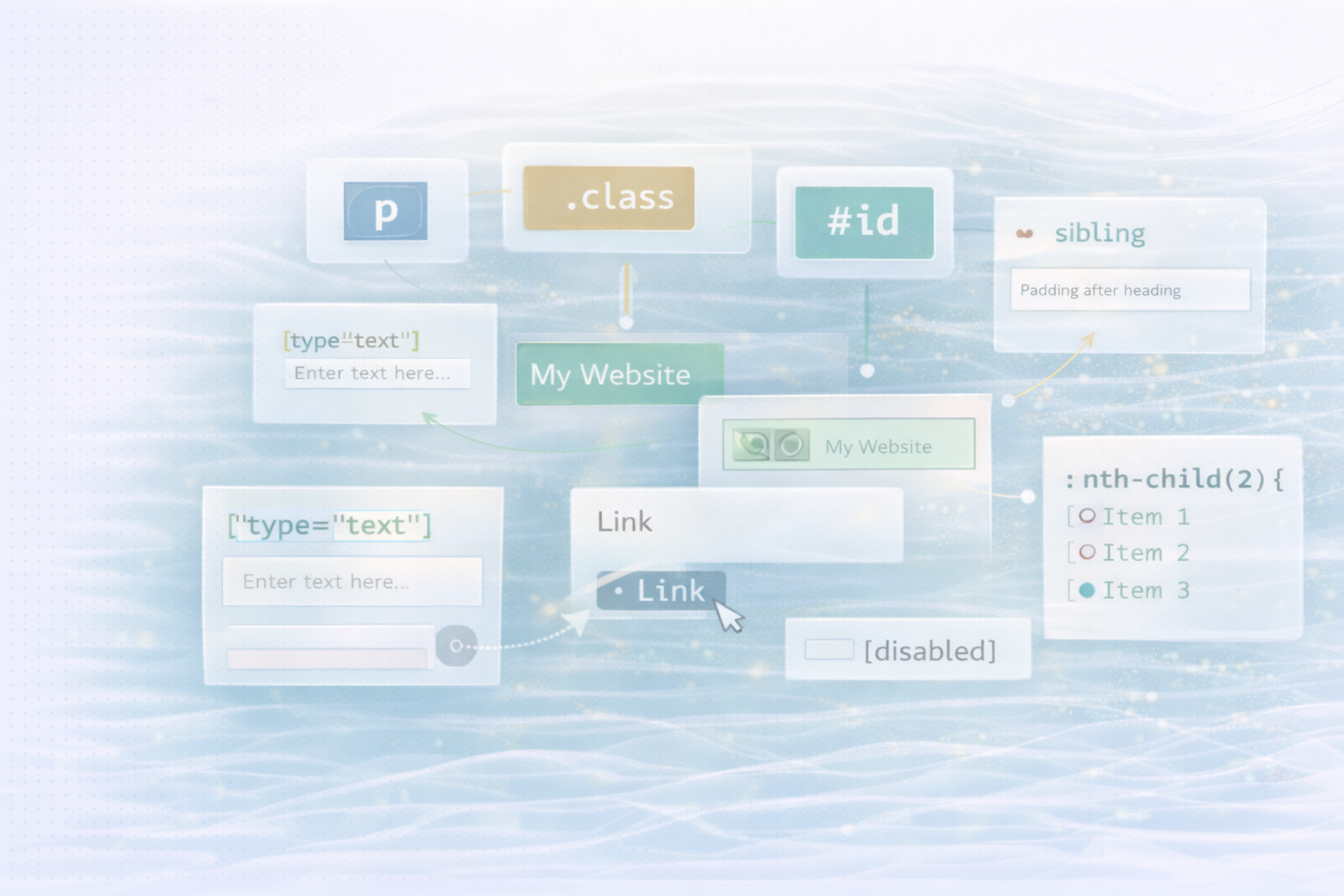
CSS selectors make it possible to target specific elements based on their type, class, ID or state — for example when hovering or clicking.
In this guide, we dive deep into the world of selectors. Regardless of whether you're just starting out with web development or already have experience — here you'll find clear explanations and practical examples: from simple element selectors to complex combinations and pseudo-classes.
Learn how to take your website's layout and interactivity to the next level with precise CSS.
description:
Select all instances of a specific HTML tag.
example: All <p>elements are shown in blue.
HTML:
<!-- All <p> elements are selected -->
<p>This is a paragraph.</p>CSS:
p {
 color: blue;
}
description:
Targets elements with a specific class attribute.
HTML:
<!-- The element with the class "example" is highlighted -->
<div class="example">Example text</div>CSS:
.example {
 background-color: yellow;
}
description:
Select an individual element based on its unique ID (IDs should be unique per page)
HTML:
<!-- The element with the ID "header" is selected -->
<header id="header">My Website</header>CSS:
#header {
 font-size: 24px;
}
description:
Select elements that are within a specific parent element — regardless of the depth of the nesting.
HTML:
<!-- The <p> tag inside the element with the class "container" is targeted -->
<div class="container">
<p>Paragraph inside container.</p>
</div>CSS:
.container p {
 color: green;
}
description:
Aims only at direct child elements of a parent.
HTML:
<div class="container">
<!-- This <p> is a direct child -->
<p>Direct child</p>
  <div>
<!-- This <p> is not a direct child -->
<p>Not a direct child</p>
  </div>
</div>CSS:
.container > p {
 font-weight: bold;
}
description:
Select the item immediately following a specific element.
HTML:
<h1>Heading</h1>
<!-- This <p> immediately follows the <h1> -->
<p>First paragraph after heading</p>
<p>Second paragraph</p>CSS:
h1 + p {
 margin-top: 0;
}
description:
Select all sibling items that follow a specific item.
HTML:
<h1>Heading</h1>
<!-- All following <p> elements that are siblings of the <h1> are selected -->
<p>First paragraph</p>
<p>Second paragraph</p>CSS:
h1 ~ p {
 line-height: 1.5;
}
description:
Targets items based on the presence or value of an attribute.
HTML:
<!-- Only the <input> with type="text" is targeted -->
<input type="text" placeholder="Enter text here...">
<input type="password" placeholder="Password">CSS:
input[type="text"] {
 border: 1px solid #000;
}
description:
Applies styles when the user hovers over an item.
HTML:
<!-- The link is highlighted on hover -->
<a href="#">Link</a>CSS:
a:hover {
 color: red;
}
description:
Applied while an item is being activated (for example, when clicked).
HTML:
<!-- The button is styled while it is active (being clicked) -->
<button>Click me</button>CSS:
button:active {
 background-color: #ccc;
}
description:
Mark elements that are in focus — for example, by clicking or navigating by keyboard.
HTML:
<!-- The <input> field is highlighted when it receives focus -->
<input type="text">CSS:
input:focus {
 outline: 2px solid blue;
}
description:
Allows you to select specific children based on their position in the parent element.
HTML:
<!-- The second <li> in the list is selected -->
<ul>
 <li>Item 1</li>
 <li>Item 2</li>
 <li>Item 3</li>
</ul>CSS:
ul li:nth-child(2) {
 font-weight: bold;
}
description:
Insert content before or after the actual element content — without changing the HTML.
HTML:
<!-- The element with the class "box" is enhanced with extra content -->
<div class="box">Content</div>CSS:
.box::before {
 content: "Start - ";
}
.box::after {
 content: " - End";
}
description:
Combines multiple selectors to apply the same style to multiple elements.
HTML:
<!-- All headings (<h1>, <h2>, <h3>) are selected -->
<h1>Heading 1</h1>
<h2>Heading 2</h2>
<h3>Heading 3</h3>CSS:
h1, h2, h3 {
 margin-bottom: 10px;
}
description:
Select all items on the page — ideal for global settings.
HTML:
<!-- Every HTML element on the page is targeted -->
<div>Div</div>
<p>Paragraph</p>
<span>Span</span>CSS:
* {
 box-sizing: border-box;
}
description:
Combines multiple selectors to define specific rules.
HTML:
<!-- List items within a menu that change on hover -->
<ul class="menu">
 <li class="item">Home</li>
 <li class="item">About</li>
 <li class="item">Contact</li>
</ul>CSS:
.menu .item:hover {
 background-color: #f0f0f0;
}
description:
Apply styles to links that have already been visited.
HTML:
<!-- The link changes appearance after it has been visited -->
<a href="https://example.com">Example</a>CSS:
a:visited {
 color: purple;
}
description:
Select the first or last child of an item.
HTML:
<ul>
  <!-- First <li> element -->
  <li>First Element</li>
  <li>Second Element</li>
  <!-- Last <li> element -->
  <li>Third Element</li>
</ul>
CSS:
ul li:first-child {
 font-style: italic;
}

ul li:last-child {
 font-style: oblique;
}
description:
Select elements whose attribute values start with a specific string.
HTML:
<!-- All elements whose class starts with "icon-" -->
<div class="icon-home"></div>
<div class="icon-user"></div>CSS:
[class^="icon-"] {
 width: 24px;
 height: 24px;
}
description:
Apply styles to activated checkboxes or radio buttons.
HTML:
<input type="checkbox" id="check1">
<label for="check1">Option</label>CSS:
input:checked + label {
 color: green;
}
description:
Visually attenuates deactivated form fields.
HTML:
<!-- A disabled input field -->
<input type="text" disabled>CSS:
input:disabled {
 background-color: #eee;
}
Understanding CSS selectors is the basis for effective styling. Whether simple tag selectors or complex combinations with pseudo-classes, they give you full control over the appearance and behavior of your website.
With precise selectors, you can simplify your design, reduce code, and specifically control user interactions. Experiment with the examples shown and develop your own, clean and scalable CSS system.
UNHYDE is a web development agency from Munich, specialized in High-performance web design, UX strategies and digital brand development. As Shopify Partner Agency We implement high-performance, tailor-made web solutions for international brands.
Our goal: functional design, strong performance and sustainable growth through sophisticated web development.

Get in touch
contact now