In today e-commerce competition is Data analysis not a freestyle, but a duty.
Customers are increasingly letting themselves through social proof (social proof) influence —
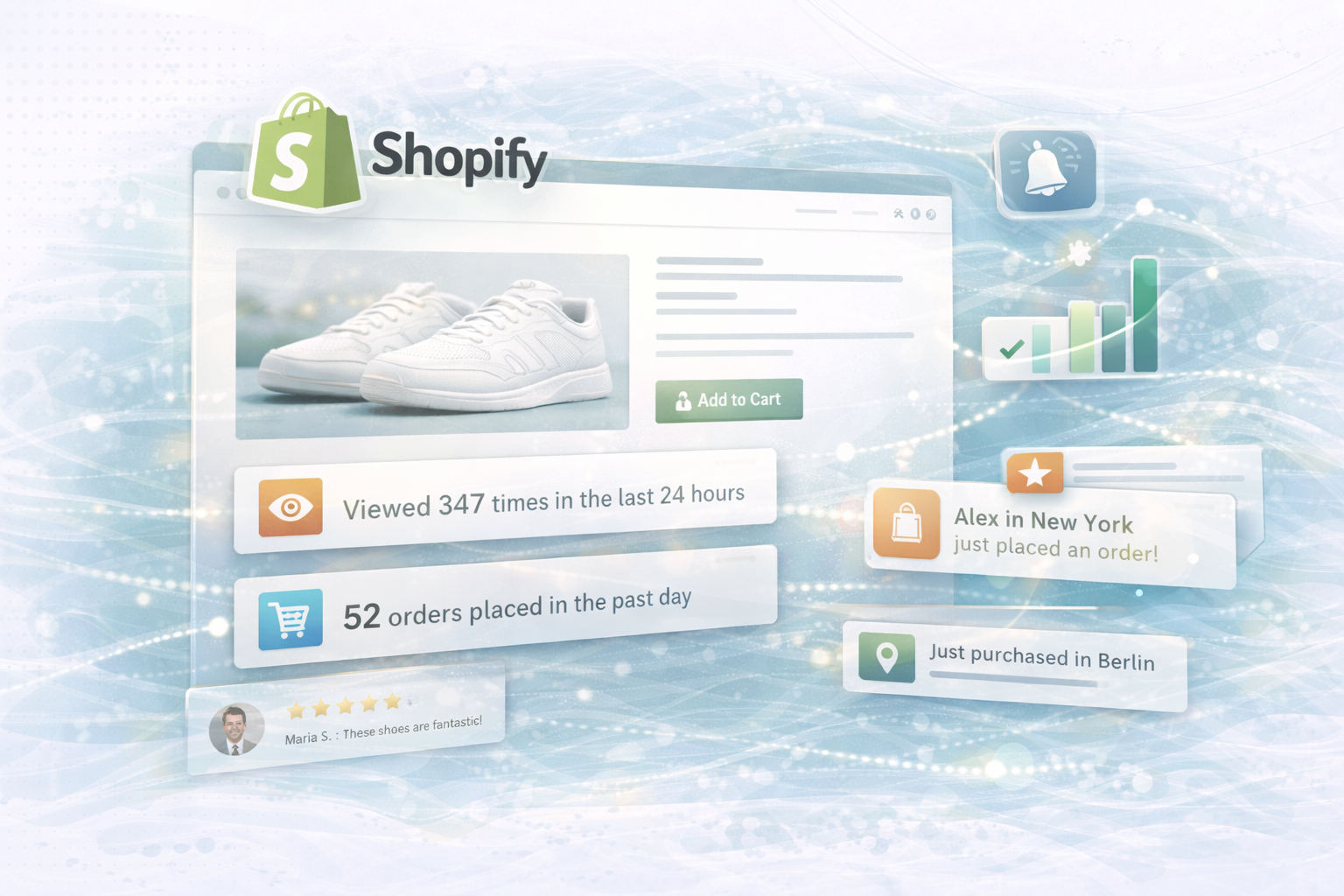
dynamic indicators such as “200 views in the last 24 hours” or “50 orders today”
increase trust, relevance, and conversion rates.
In this article, we'll show you:

Create numbers credibility — and create them FOMO (Fear of Missing Out).
When users see that many others are viewing or buying a product
The probability of buying increases significantly.
An element such as
“Viewed 200 times in the last 24 hours”
“50 orders placed in the past day”
uses the psychology of social proof:
Popularity signals trust — trust increases conversion.
Who a Plug-and-play solution searches, finds several powerful apps with ready-made integration on Shopify:
Known for Social proof notifications.
Shows live updates on product views, purchases, and user actions right on the page.
Generates Real time notifications about new orders and visitor activities.
Ideal for viewing sales figures from the last 24 hours.
Enables Live tracking of views and orders,
combined with customizable popups and social proof elements.
👉 Advantage: Quick setup with no development effort.
👉 Disadvantage: Restricted Design freedom and often limited Brand consistency.
For agencies or brands with individual requirements, a own tracking approach on.
How do you keep full control over design, privacy, and performance.
On product pages, you can use a simple JavaScript snippet integrate, which sends a tracking request with every page view.
html:
<script>
document.addEventListener("DOMContentLoaded", function() {
  // Assuming your product id is available in the Liquid template
  var productId = "{{ product.id }}";

  // Send a POST request to your backend endpoint to track the view
  fetch('/apps/track-product-view?product_id=' + productId, {
    method: 'POST'
  })
  .then(response => {
    // Optionally handle the response
    console.log("View tracked");
  })
  .catch(error => console.error("Error tracking view:", error));
});
</script>
💡 Tip:
You can set the backend endpoint via Shopify app proxies or Serverless Functions (such as AWS Lambda) Head for.
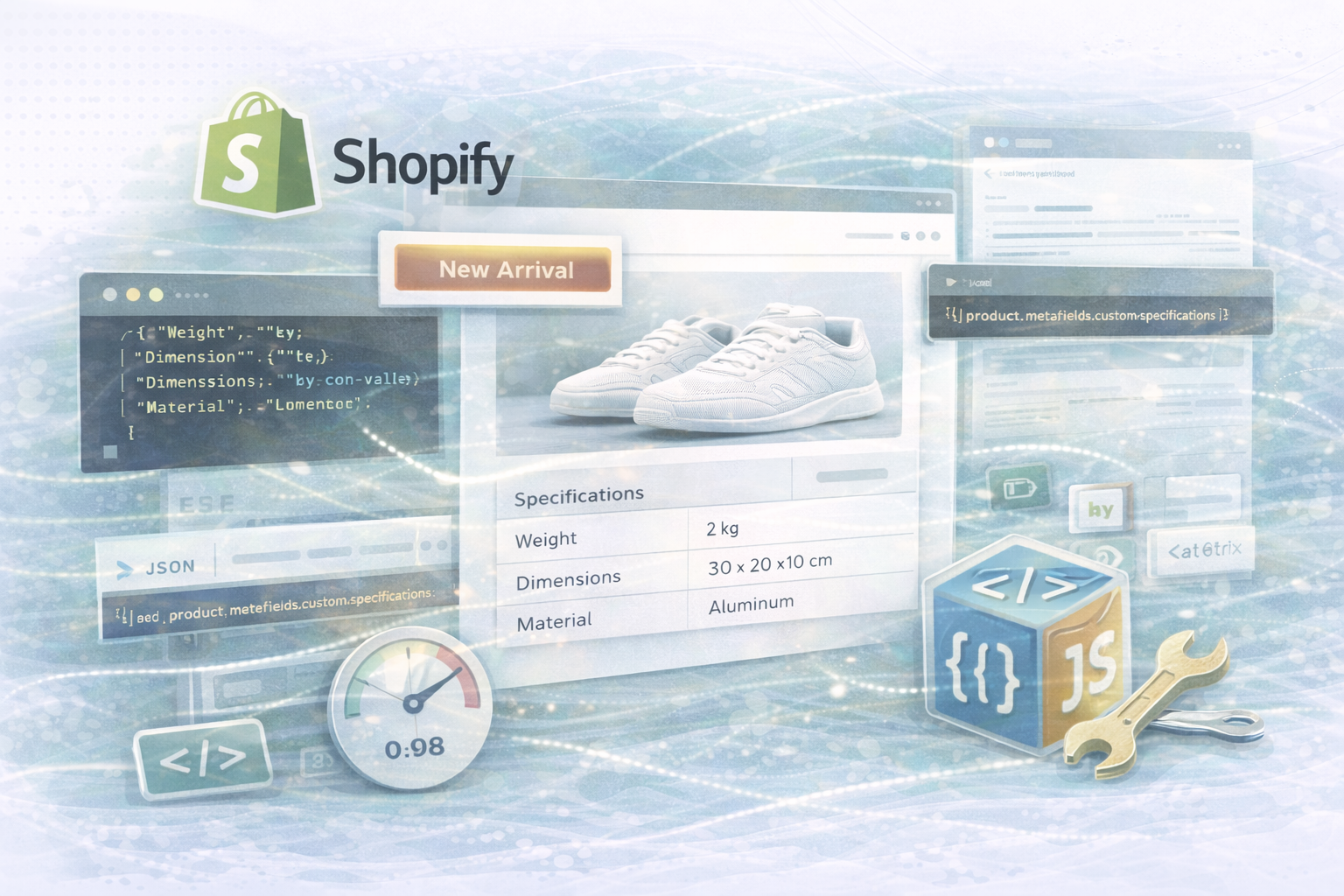
As soon as your backend has the view counts in a Metafield saves, you can output them directly to your theme:
liquid:
{% if product.metafields.analytics and product.metafields.analytics.view_count %}
  <p>Viewed {{ product.metafields.analytics.view_count }} times in the last 24 hours</p>
{% endif %}
This snippet checks whether the value exists and automatically displays it.
With a Shopify Order Webhook Can you enter all orders per product. A simple Node.js setup could look like this:
javascript:
// Example: Express server to handle order webhooks
const express = require('express');
const bodyParser = require('body-parser');
const app = express();

app.use(bodyParser.json());

app.post('/webhooks/order-created', (req, res) => {
  const order = req.body;

  // Loop through each line item in the order
  order.line_items.forEach(item => {
    const productId = item.product_id;
    // Update your custom order count for the product
    // For instance, increment the count in your database or update a Shopify metafield via the API
    console.log(`Order received for product ID: ${productId}`);
  });

  // Respond to acknowledge receipt of the webhook
  res.sendStatus(200);
});

app.listen(3000, () => console.log('Webhook listener running on port 3000'));
💡 Note:
With this method, you can Update order counts in real time and display it dynamically on the frontend.
So that shop operators can visually edit the analytics element, it is recommended to integrate it into the Theme Editor using JSON scheme:
JSON:
{
  "name": "Product Analytics",
  "settings": [
    {
      "type": "text",
      "id": "analytics_heading",
      "label": "Analytics Heading",
      "default": "Product Engagement"
    },
    {
      "type": "range",
      "id": "view_threshold",
      "label": "Minimum Views to Display",
      "min": 0,
      "max": 500,
      "step": 10,
      "default": 50
    }
  ],
  "presets": [
    {
      "name": "Product Analytics Block"
    }
  ]
}
In this way, retailers can define in the editor
From how many views a product statistics block is displayed.
👉 Also read our blog article
“Creating a Custom Section in Shopify with JSON Schema”,
to learn how to integrate dynamic objects into themes
A custom build gives you full control over optics, logic, and performance —
ideal for brands with high UX requirements or individual reporting requirements.
Whether you're looking for Apps like Fomo, Sales Pop, or Notification X Decide
or a Develop your own solution —
Strengthen real-time product statistics Social Proof and increase the Purchase probability noticeable.
By intelligently using live data, you create your Shopify product pages
Not only more informative but also Stronger in sales psychology.
💡 Next step:
Read our guide to JSON schemas and dynamic theme sections,
to further personalize your Shopify setup.
UNHYDE Is a Web and Shopify agency from Munich,
specialized in Web development, UX design and digital brand strategy.
We create powerful, data-driven platforms,
improve customer experiences and drive measurable growth
As certified Shopify Plus partner We already have numerous web shops and e-commerce systems worldwide successfully implemented.
📩 contact: hello@unhyde.me
We'll help you get your Shopify experience with dynamic, data-based features
further develop — from concept to implementation.

Get in touch
contact now