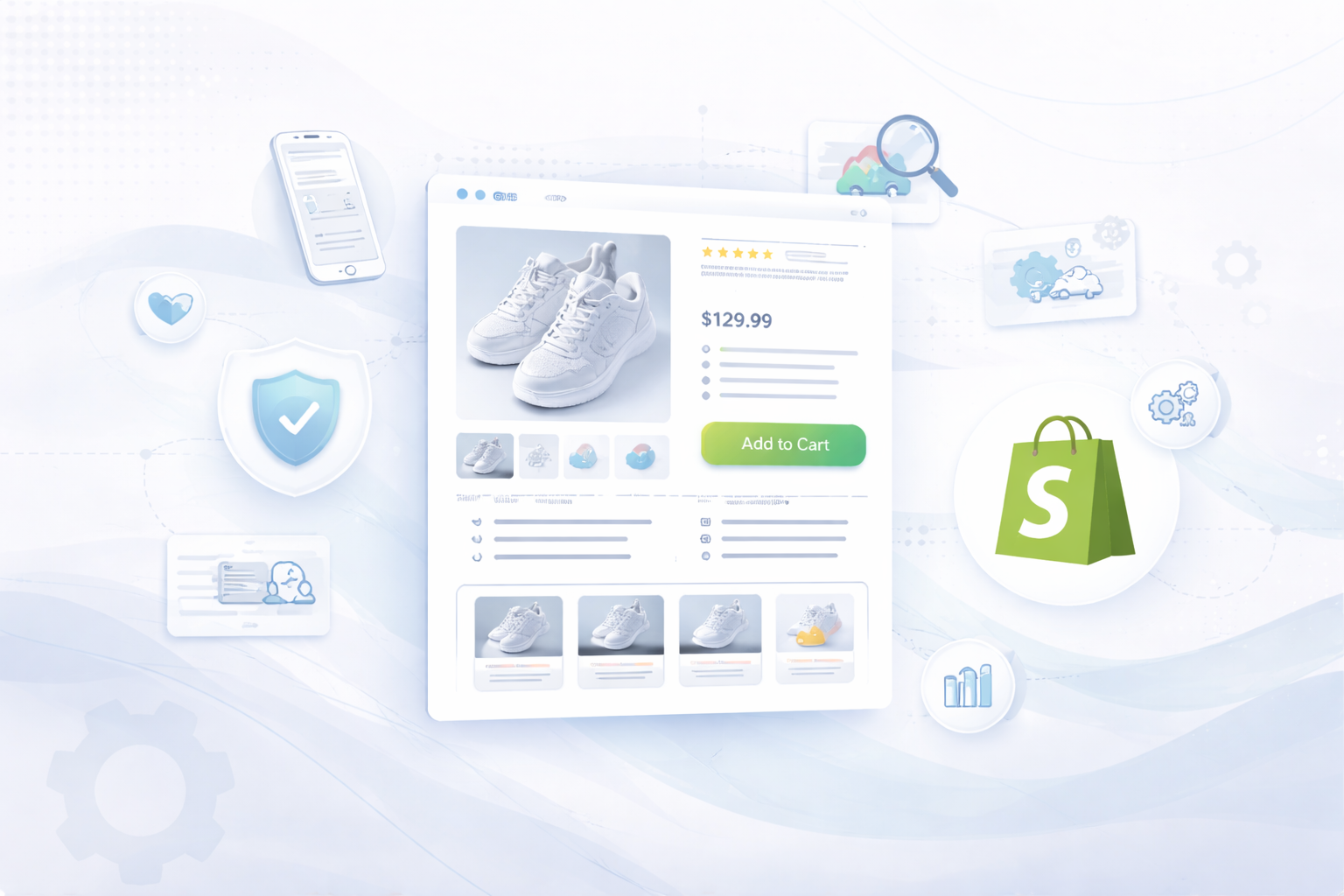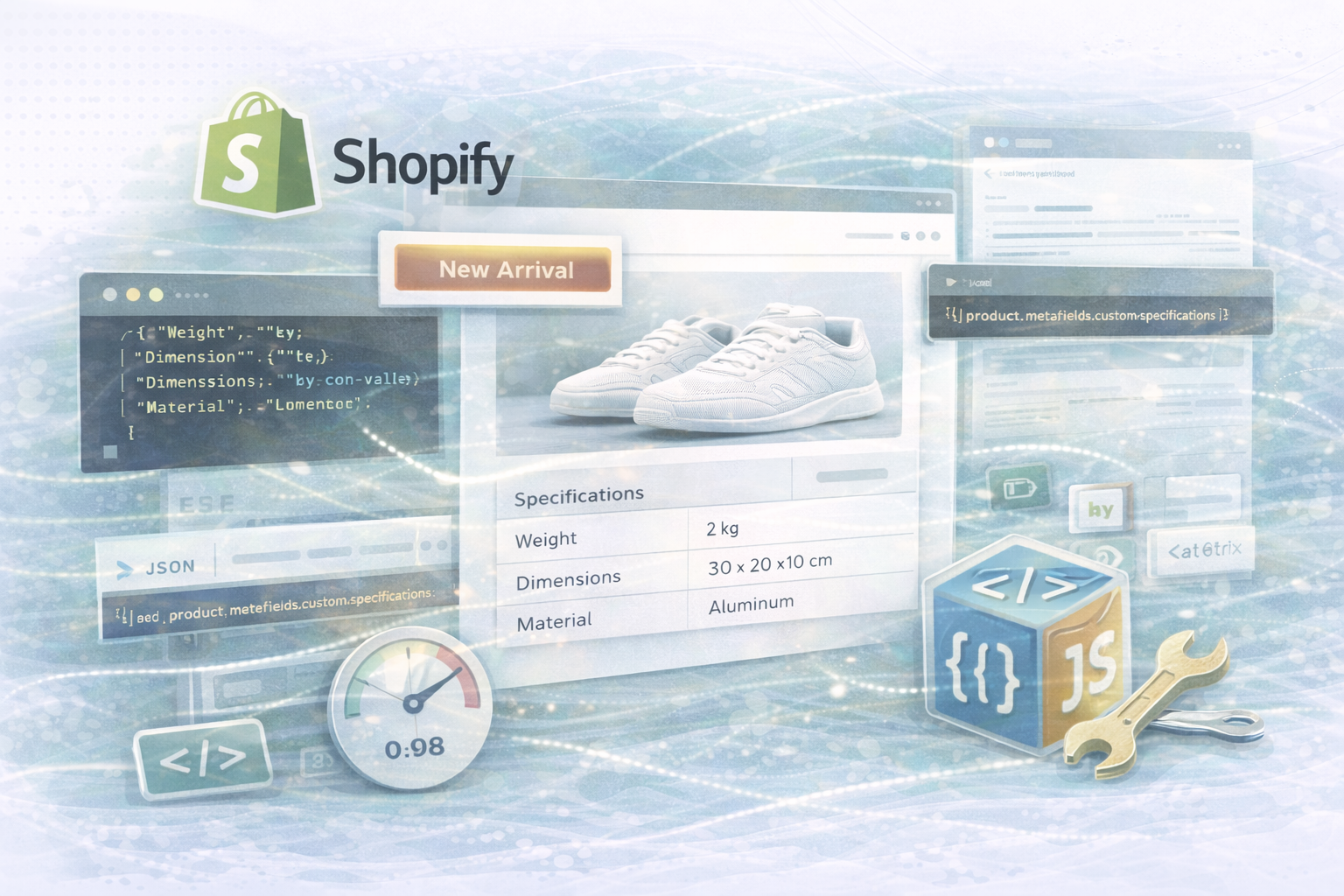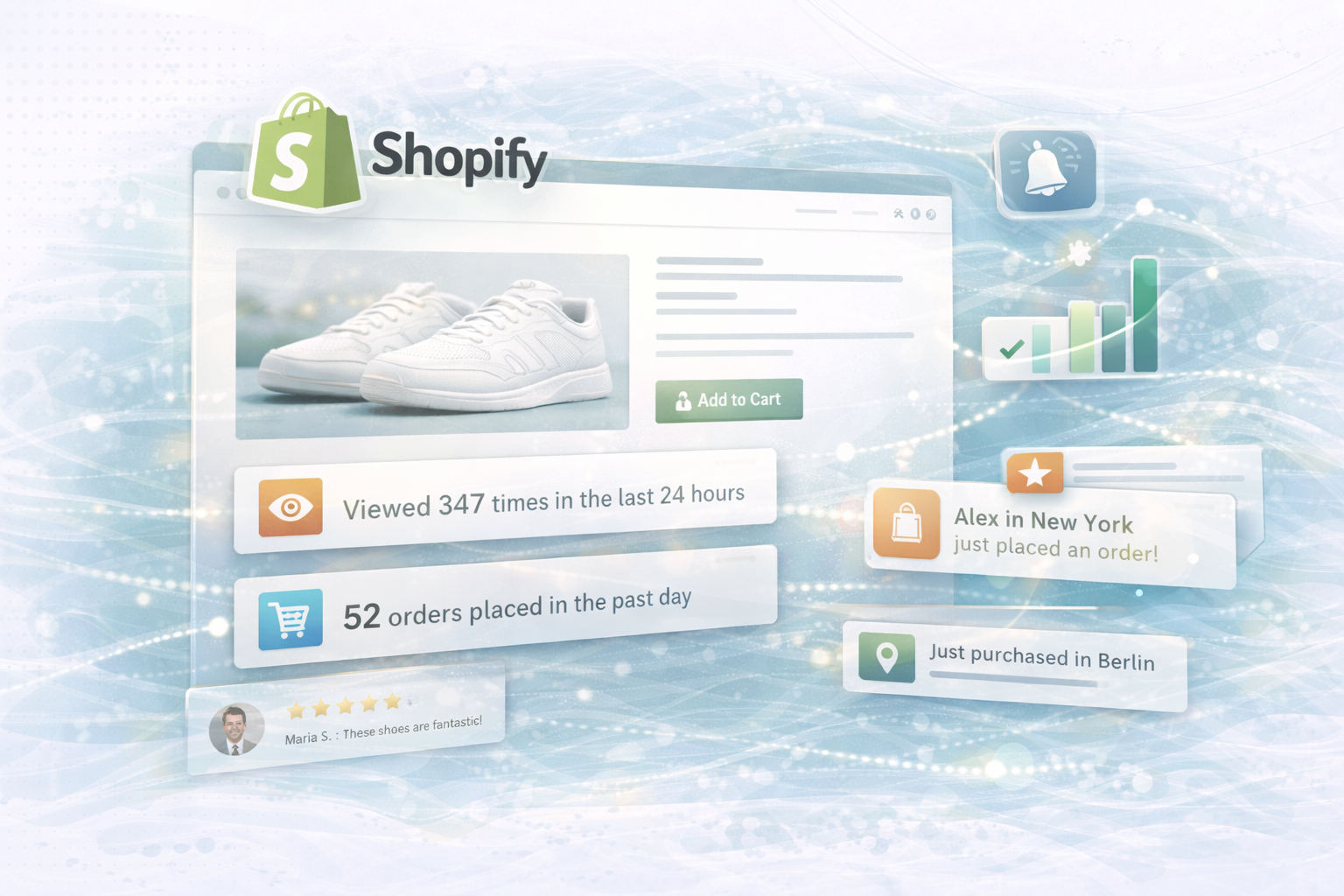
An optimized user experience (UX) is the key to higher conversion rates. In this guide, you'll learn how to improve your product pages, simplify the checkout process, and make data-based decisions through A/B testing, targeted UX design, and tracking tools. With clear design elements and precise user analyses, you turn visitors into loyal customers.
A clear structure and targeted call-to-actions (CTAs) are crucial for sales success. The following example checks whether a product is discounted and visually highlights discounts.
liquid:
<div class="product-detail">
  <h1>{{ product.title }}</h1>
  {% if product.compare_at_price > product.price %}
    <div class="badge badge-sale">Sale</div>
  {% endif %}
  <p>{{ product.description }}</p>
  <button id="add-to-cart" class="btn-primary">Add to Cart</button>
</div>
Explanation:
Complementary UX improvements:
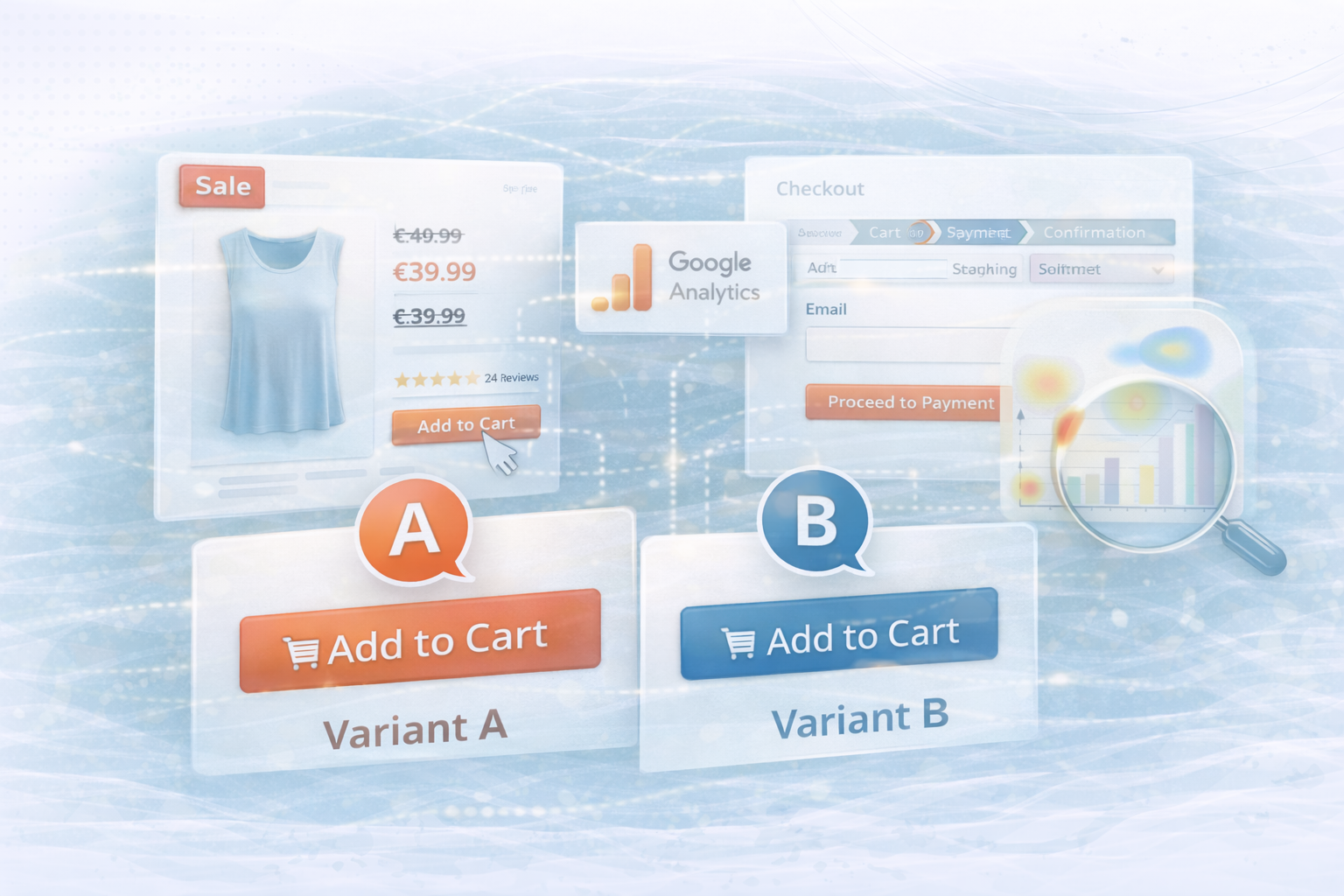
With A/B testing, you can systematically find out which design variants convert better. The following example randomly divides users into two variants.
html:
<script>
  document.addEventListener("DOMContentLoaded", function() {
    const variant = Math.random() < 0.5 ? 'a' : 'b';
    const button = document.getElementById('add-to-cart');
    if(variant === 'a') {
      button.style.backgroundColor = '#FF5733'; // Variant A: Vibrant Orange
      button.style.border = 'none';
      button.style.color = '#FFFFFF';
    } else {
      button.style.backgroundColor = '#33A1FF'; // Variant B: Cool Blue
      button.style.border = '2px solid #FFFFFF';
      button.style.color = '#FFFFFF';
    }
    // Log the test variant for tracking purposes
    console.log("A/B Test Variant: " + variant);
    // Optionally, send the variant data to your analytics service:
    // fetch('/api/track-ab-test', { method: 'POST', body: JSON.stringify({ variant }) });
  });
</script>
Explanation:
Evaluate results:
An optimized checkout reduces points of friction and lowers the abandonment rate.
A progress bar visualizes where customers are in the process.
html:
<div class="checkout-progress">
  <div class="step active">Cart</div>
  <div class="step">Shipping</div>
  <div class="step">Payment</div>
  <div class="step">Confirmation</div>
</div>
Explanation:
Such indicators create transparency, reduce uncertainty and safely guide users to the conclusion.
Reduce input fields to the essentials and use Auto-Fill and real-time validation.
html:
<form id="checkout-form">
  <label for="email">Email:</label>
  <input type="email" id="email" name="email" required>
  <!-- Add additional simplified fields as necessary -->
  <button type="submit" class="btn-primary">Proceed to Payment</button>
</form>
Explanation:
A tidy form reduces cognitive load and speeds up the buying process — direct effects on the conversion rate.
Quick feedback improves the user experience and prevents interruptions.
html:
<script>
  document.getElementById('checkout-form').addEventListener('submit', function(e) {
    // Simulate form validation
    const email = document.getElementById('email').value;
    if (!email.includes('@')) {
      e.preventDefault();
      alert("Please enter a valid email address.");
    }
  });
</script>
Explanation:
Direct error messages ensure that users can correct problems immediately without building up frustration.
Targeted tracking helps to understand user behavior and make optimizations based on real data.
html:
<script>
  // Track a click on the "Add to Cart" button
  document.querySelectorAll('#add-to-cart').forEach(function(button) {
    button.addEventListener('click', function() {
      gtag('event', 'click', {
        'event_category': 'E-Commerce',
        'event_label': 'Add to Cart Button'
      });
    });
  });
</script>
Explanation:
With custom events (events) in Google Analytics, you can understand which CTAs are used most frequently and where users are jumping off.
A well-thought-out UX is not a coincidence, but the result of continuous testing, data analysis and design decisions. Through optimized product pages, simplified checkouts and A/B testing, you not only increase the conversion rate, but also customer satisfaction.
Combine visual design with data-driven decisions to build a user-friendly and high-performance e-commerce platform in the long term.
UNHYDE is a Shopify agency from Munich with a focus on web development, UX design, and digital growth. Our goal is to develop user-centered, high-conversion websites and web shops that deliver real results. As a Shopify partner, we support international brands and develop solutions that combine design and performance.
For a data-driven UX strategy and conversion optimization, contact us at hello@unhyde.me.

Get in touch
contact now